
Summer Engine MCP
本物のゲームを作るClaude Code で。
対応する AI エージェントやローカルモデルを Summer Engine に接続できます。今使っている AI プランで Summer ゲームをローカル実行・テストできます。エクスポートには対象のテンプレートとツールチェーンが必要です。
Agent guides
Claude Code、Cursor などでゲームを作る方法
What it is
エージェントが実際に操作できるデスクトップエンジン。
使い方
1. Download the engine
Install the Summer Engine desktop app. This is where the scene tree, runtime, assets, and exports live.
2. Set up MCP
Run the CLI setup command. It writes the agent config, installs skills, and connects to the local engine API.
3. Build with your agent
Claude Code, Cursor, and other MCP clients get 44 engine tools for real game development.
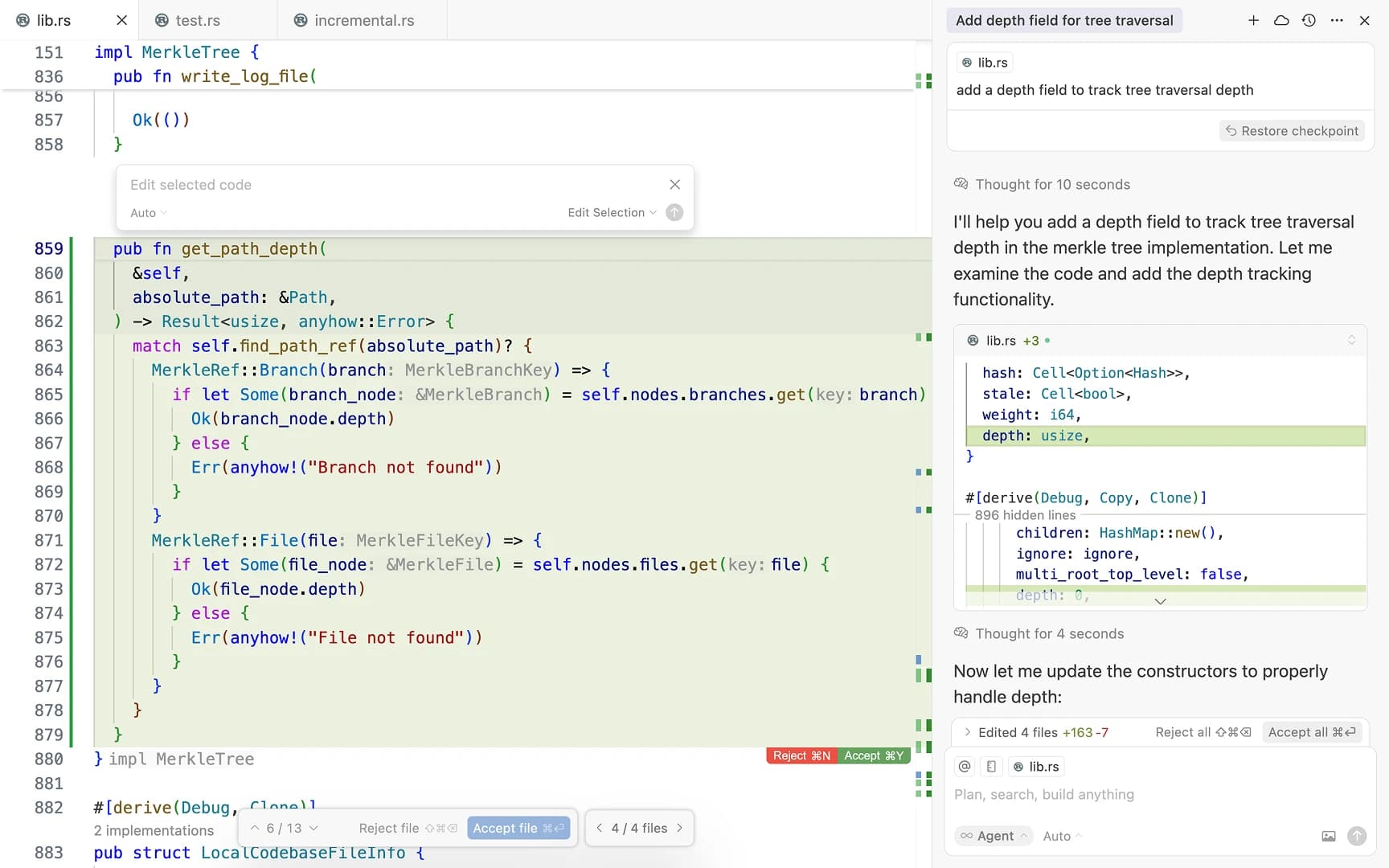
見せかけではなく、プレイ可能
AI サブスクリプションが書く。Summer がゲームを見せる。
違いを感じる理由
エージェントは推測をやめ、エンジンを使い始めます。
Claude Code、Cursor、Devin Desktop はすでにコードを書けます。Summer はそのコードに本物のゲームエンジンを与えます。シーンを開き、オブジェクトを配置し、プロジェクトを実行し、エラーを調べ、プレイ可能なループになるまで繰り返せます。
Agent guides
How to make games in Claude Code, Cursor, and more.
Each guide gets its own page so the setup and SEO match what people are actually searching for.
Claude Code、Cursor、Codex で本物のゲームを作る - Summer Engine MCP
Claude Code、Cursor、Codex で本物のゲームを作る - Summer Engine MCP
Claude Code、Cursor、Codex で本物のゲームを作る - Summer Engine MCP
Claude Code、Cursor、Codex で本物のゲームを作る - Summer Engine MCP
Claude Code、Cursor、Codex で本物のゲームを作る - Summer Engine MCP
Claude Code、Cursor、Codex で本物のゲームを作る - Summer Engine MCP
Claude Code、Cursor、Codex で本物のゲームを作る - Summer Engine MCP
Claude Code、Cursor、Codex で本物のゲームを作る - Summer Engine MCP
Claude Code、Cursor、Codex で本物のゲームを作る - Summer Engine MCP
Claude Code、Cursor、Codex で本物のゲームを作る - Summer Engine MCP
Claude Code、Cursor、Codex で本物のゲームを作る - Summer Engine MCP
Claude Code、Cursor、Codex で本物のゲームを作る - Summer Engine MCP
FAQ
実用的な回答。
- What is Summer Engine?
- Summer Engine is a real desktop game engine for agent-led game development: an editor, scene tree, runtime, assets, exports, and local diagnostics. You build and run a Summer game inside the engine instead of stopping at files generated in a chat window.
- What does MCP add?
- MCP gives your AI agent a controlled bridge into the running engine. Through 44 tools, it can create scenes, add nodes, set properties, run the game, inspect errors, and import or generate assets instead of only editing files blindly.
- What does the CLI do?
- The summer-engine CLI downloads the desktop app, signs you in, writes the MCP config for Claude Code, Cursor, Codex CLI, Devin Desktop, Gemini CLI, LM Studio, Kilo Code, and other agents, installs the game-dev skills, creates projects, runs them, and checks that everything is connected.
- Can I use a free local model instead of a subscription?
- Yes. Run a model on your own GPU with Ollama or LM Studio and connect it through the same MCP server. Engine control and asset search stay free; cloud generation uses credits. See the Ollama, LM Studio, and Goose guides for the setups that actually work in 2026.
- Can games made with Summer be exported?
- Summer projects can be run and tested locally. Export availability depends on the installed target templates and toolchains; signing, store review, and submission remain creator-controlled.
- Is Summer Engine free?
- Yes. Summer Engine is free to download and start using. The CLI, MCP server, skills, hooks, and plugin manifests are MIT open source. Heavy hosted AI and cloud generation features use credits. See /source-status for the exact open, free, and paid split.
最初のプレイ可能版を、チャットボックスではなくエンジン内で作りましょう。
Summer Engine を無料でダウンロードし、MCP を接続して、作りたいものをエージェントに伝えましょう。