Meshy3D
Meshy 6
Meshy 3D with the rigging and animation path for characters.
3d/meshy-6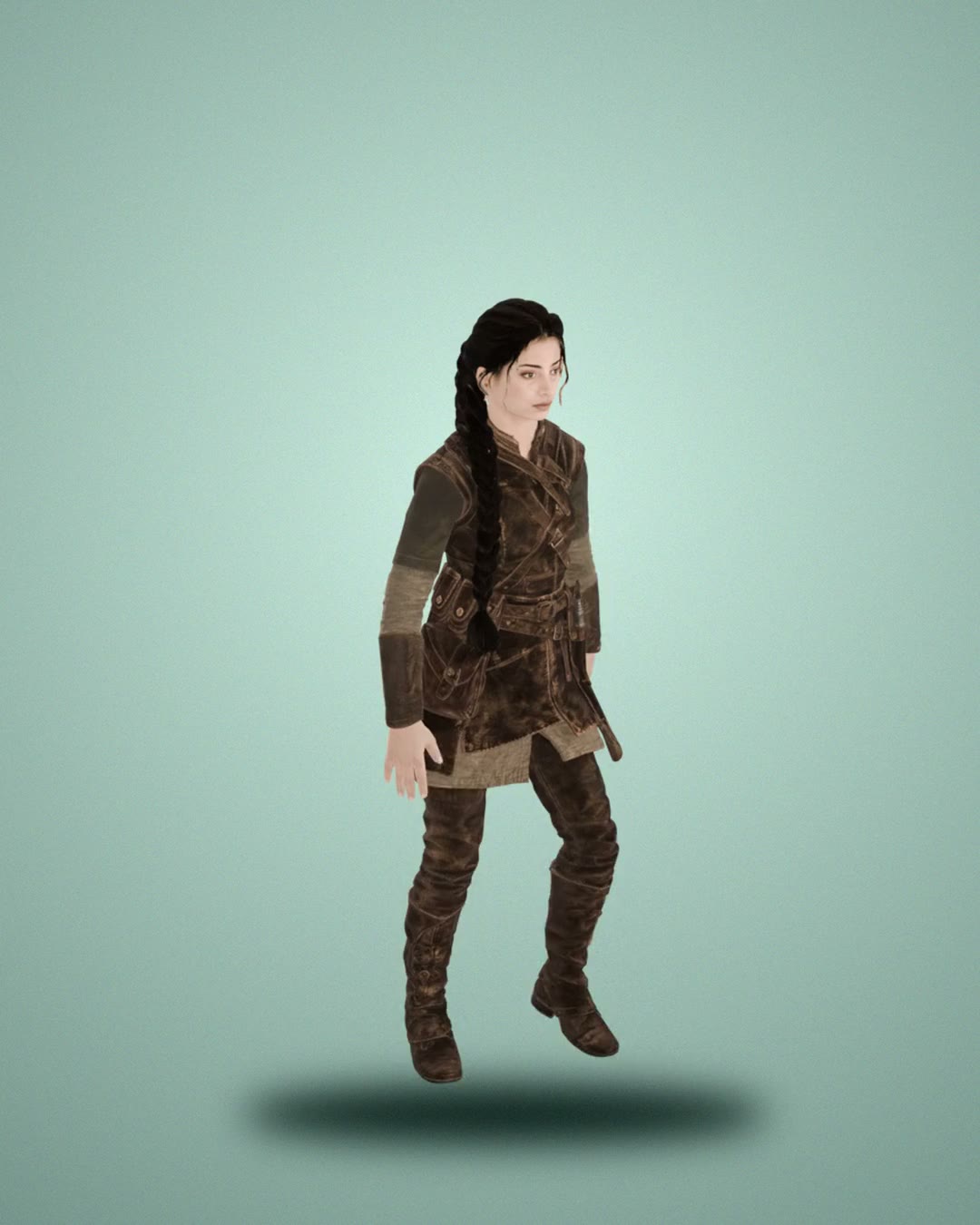 3D
Asha, a stylized adult ranger with a bow, full body game character in an A-pose
- Price
- from 80 credits / model
- Typical time
- about 8 min
- Makes
- Text to 3D, Image to 3D, Multi-view to 3D
Best for
Meshy 6 accepts a prompt, one image, or up to four views, and it is the model Summer uses when a character needs auto-rigging and animation clips.
- Characters that should come out rigged and ready for walk, run, and attack animations.
- Symmetric creatures and humanoids with pose control.
- Multi-view reconstructions of a character sheet.
Put it together
Where Meshy 6 fits in a game, with the models it works well with. Your agent runs every step.
A playable character
From one concept to a rigged, animated 3D character in your scene.
A set of props
A matching prop sheet, then each prop as a game-ready mesh.
Price
| Mode | Model | Price |
|---|---|---|
| Text to 3D, Image to 3D, Multi-view to 3D | Meshy 6 | 80 credits / model |
Paid from your Summer credits; rigging, animation, multi-view and quality add-ons cost extra.
Use it from code or your agent
Sign in once with summer login. Your agent or your code then runs it with your paid credits.
npx -y summer-engine@latest login
npx -y summer-engine@latest api run 3d/meshy-6 \
  --input '{"prompt":"a low-poly wooden treasure chest"}' \
--download .3d/meshy-6: $0.80 per model. Paid from your Summer credits.
Inputs
What input takes for 3d/meshy-6. Send only what you need; Summer fills in tested defaults.
kindenumDefault text-to-3d- text-to-3d
- image-to-3d
promptstringup to 600 characterstext-to-3d: what to model.
imageUrlstringup to 2048 charactersimage-to-3d: a public picture of the object.
imageUrlsarray of string2 to 4 itemsimage-to-3d from 2 to 4 views of the same object.
titlestringup to 200 charactersassetIntentenumcharacter: a clean, riggable humanoid reference first.
- character
- object
referencePreparationenumDefault autoClean up the picture before modeling it.
- auto
- always
- never
poseModeenumA neutral pose for rigging later.
- a-pose
- t-pose
rigbooleanDefault falseAuto-rig the model.
animationNamesarray of stringup to 12 itemsWith rig: animate a humanoid, e.g. Idle, Walk, Run, Jump.
actionIdsarray of integerup to 12 itemsWith rig: Library action ids.
riggingHeightMetersnumber0 to 10targetPolycountinteger100 to 300000About how many polygons, e.g. 800 for a low-poly kit piece.
topologyenumquad: a quad mesh (where the model can).
- triangle
- quad
seedintegerat least 0
Model docs · Summer API docs · Set up the Summer MCP server · Try it in the browser
Questions
- What is Meshy 6 good for in game development?
- Meshy 6 accepts a prompt, one image, or up to four views, and it is the model Summer uses when a character needs auto-rigging and animation clips. Typical game uses: characters that should come out rigged and ready for walk, run, and attack animations; symmetric creatures and humanoids with pose control; multi-view reconstructions of a character sheet.
- How much does Meshy 6 cost in Summer?
- Meshy 6 costs 80 credits / model in Summer Studio. That is a single-image textured model; multi-view input, rigging, animation and quality add-ons cost extra. It is charged from your Summer credits.
- What inputs does Meshy 6 accept?
- Meshy 6 supports text to 3D, image to 3D, and multi-view to 3D, with up to 4 reference views. The result is a textured 3D model you can preview, download, or import into a Summer Engine project.
- Can I use Meshy 6 from Claude Code, Cursor or Codex?
- Yes. Connect the Summer MCP server to Claude Code, Cursor, Codex or another MCP client, then ask your agent to generate with summer_generate_3d with model: "meshy-6". Setup instructions are at summerengine.com/mcp.
- Where do Meshy 6 results go?
- Every generation is saved to your Summer asset library. From there you can download it or bring it into a Summer Engine project.
Related models
 New
Meshy · 3D
Meshy 7.1
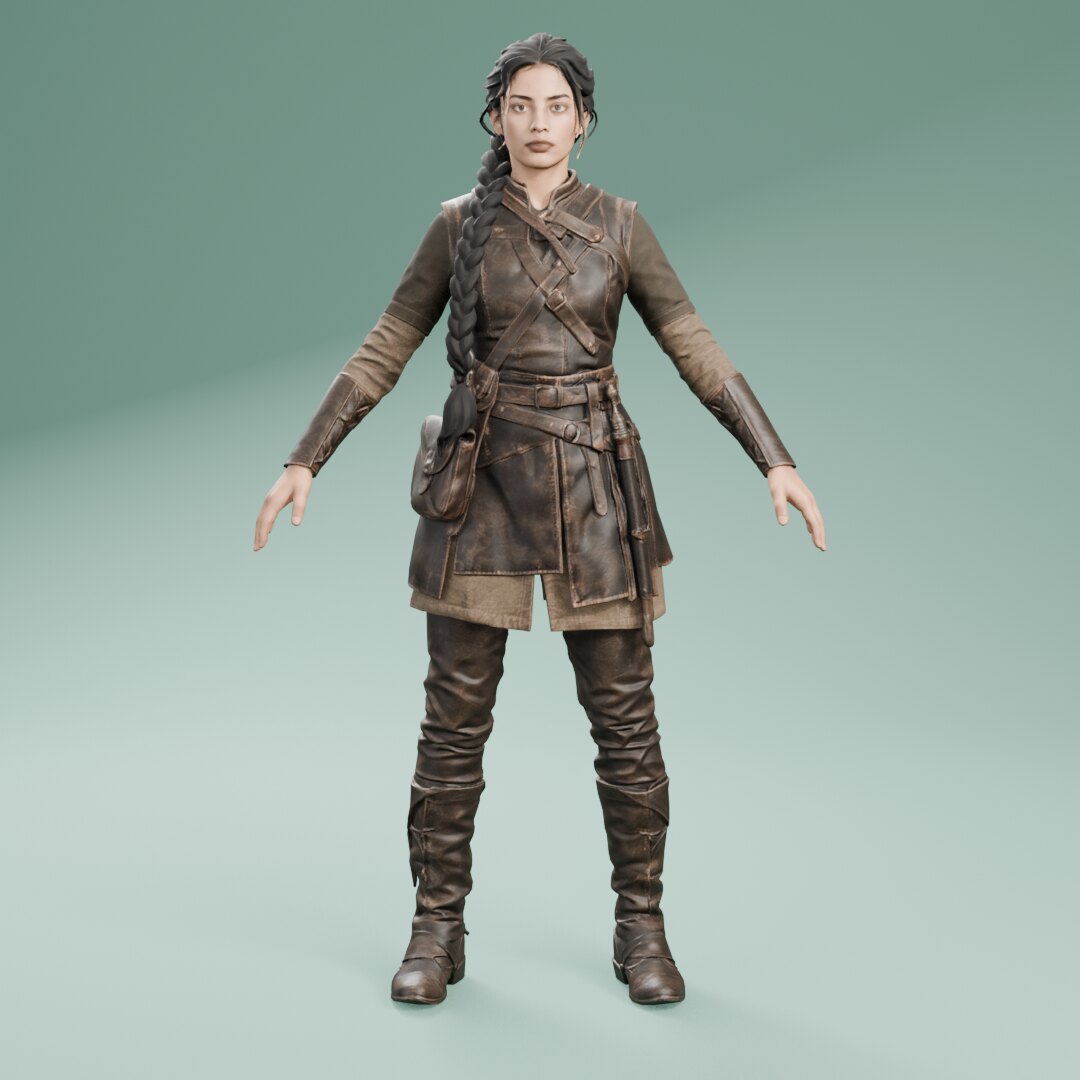
Meshy's newest model, with quad or triangle meshes and one-step rigging for characters.
from 120 credits / modelStudio and agents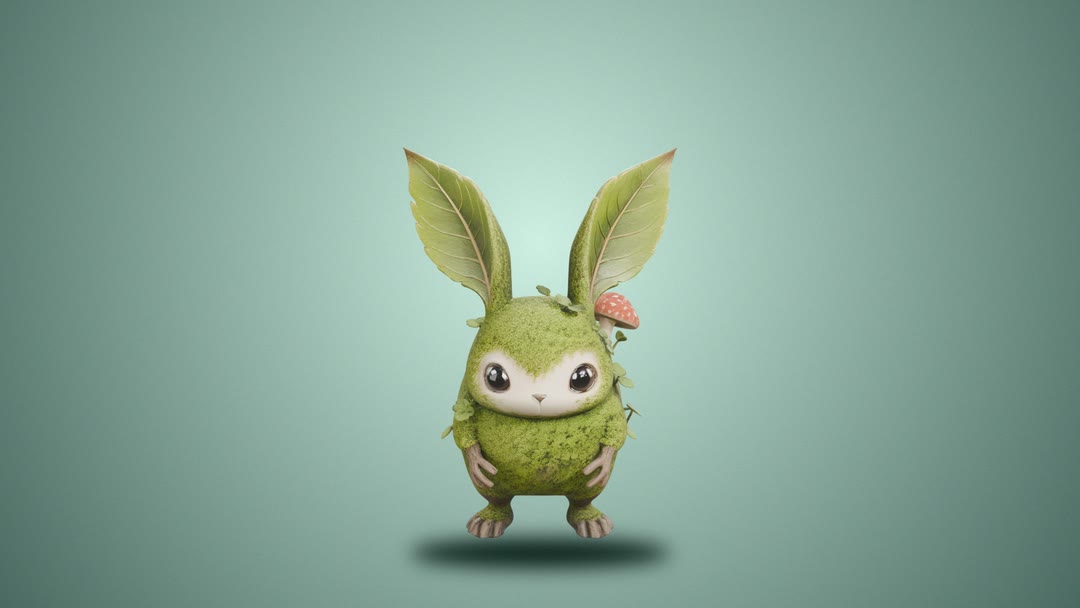 NewDefault
Tencent · 3D
Hunyuan 3D 3.1 Pro
High-quality geometry and textures from Tencent's Hunyuan 3D v3.1.
from 52.5 credits / modelStudio and agents New
Tencent · 3D
Hunyuan3D v3
Textured 3D models from a prompt or an image.
from 52.5 credits / modelStudio and agents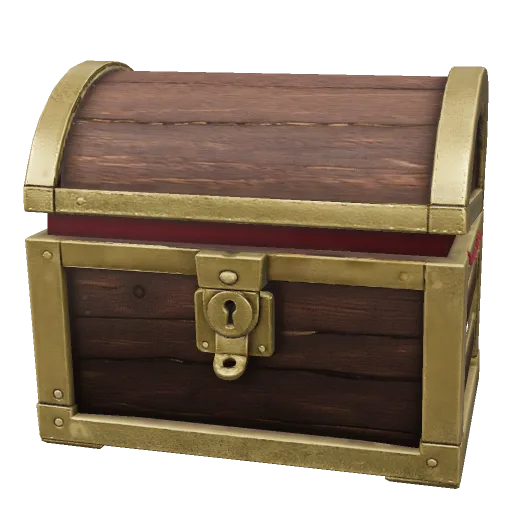 New
Tripo · 3D
Tripo P1
Low-poly textured models from one image.
from 50 credits / modelStudio and agents