MetaImage
Muse Image
Fast, near-frontier images and precise edits at the lowest price.
image/muse-image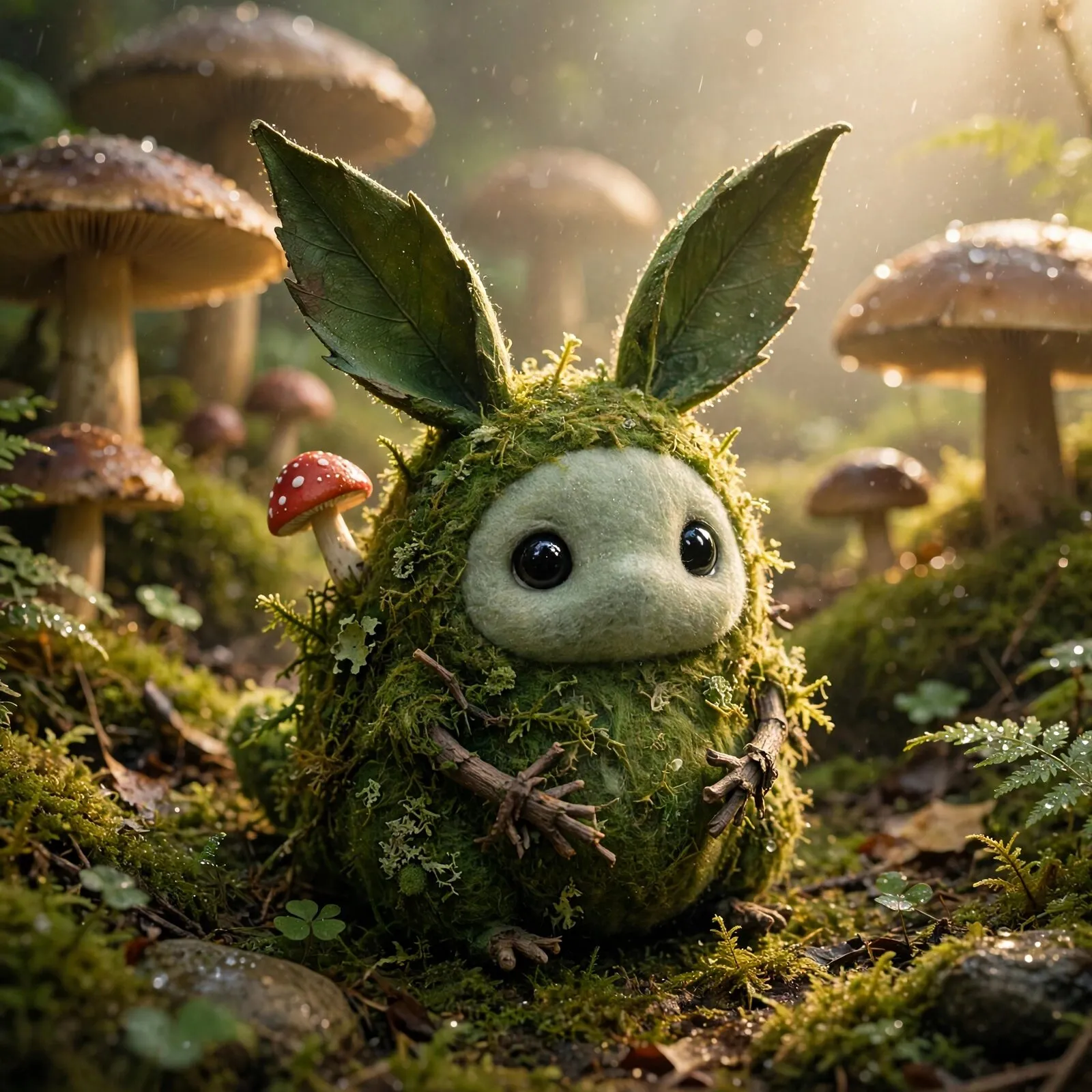
MOSS, a small stylized forest creature about the size of a cat: a round soft body covered in dense green moss, two long leaf-shaped ears, big glossy black eyes set in a pale sage felt-like face patch, tiny twig-like hands, a small red-capped mushroom growing on its back; a handcrafted collectible-figure look, not photoreal, sitting among giant mushrooms in a mossy garden after rain, droplets on the leaves, soft morning light. Full-frame cinema still, 50mm lens, f/2, shallow depth of field. One motivated key light, strong rim light, real bounce, lifted warm blacks (never pure black), atmosphere (haze, dust or spray) catching the light. Kodak Vision3 500T color, fine film grain, natural skin and material texture, true reflections. Premium game-trailer cinematography, one hero subject big in frame, clean uncluttered edges. No text, no letters, no numbers, no logos, no watermark, no UI, no captions, no signage with writing. Avoid: painterly concept-art look, glowing runes, generic fantasy castles, plastic skin, extra fingers, HUDs, stock-photo smiles, celebrity or franchise lookalikes.
- Price
- 1 credit / image
- Makes
- Text to image, Image editing
Best for
Muse Image is Meta's fast image model. It returns strong images in seconds for very little, and it can edit from reference images, which makes it the quick way to explore many ideas.
- Rapid concept rounds before committing to a style.
- Many icon or item variations in one sitting.
- Quick edits to an existing image.
Put it together
Where Muse Image fits in a game, with the models it works well with. Your agent runs every step.
A playable character
From one concept to a rigged, animated 3D character in your scene.
A cutscene
A key frame of your own art, brought to life, with its sound and score.
A talking character
A portrait that speaks its lines in its own voice.
Price
| Mode | Model | Price |
|---|---|---|
| Text to image, Image editing | Muse Image | 1 credit / image |
Paid from your Summer credits.
Use it from code or your agent
Sign in once with summer login. Your agent or your code then runs it with your paid credits.
npx -y summer-engine@latest login
npx -y summer-engine@latest api run image/muse-image \
  --input '{"prompt":"a cozy pixel-art tavern at night","aspectRatio":"16:9"}' \
--download .image/muse-image: $0.01 per image. Paid from your Summer credits.
Inputs
What input takes for image/muse-image. Send only what you need; Summer fills in tested defaults.
promptstringRequired · up to 4000 charactersWhat to draw, or how to change the reference image.
styleenum- realistic
- cartoon
- anime
- none
aspectRatioenumDefault 1:1.
- 1:1
- 16:9
- 9:16
- 4:3
- 3:4
- 3:2
- 2:3
- 5:4
- 4:5
- 21:9
widthinteger64 to 4096Smallest width wanted, in pixels; give height too. Store key art: 1920 x 1080 at 16:9.
heightinteger64 to 4096Smallest height wanted, in pixels; give width too.
numImagesintegerDefault 1 · 1 to 4referenceImageUrlstringup to 2048 charactersA public image URL to edit instead of drawing from nothing.
removeBackgroundbooleanAlso cut out the background (transparent PNG); costs a removal per image.
seedintegerat least 0Same seed and prompt, similar image (Nano Banana models).
titlestringup to 200 characters
Model docs · Summer API docs · Set up the Summer MCP server · Try it in the browser
Questions
- What is Muse Image good for in game development?
- Muse Image is Meta's fast image model. It returns strong images in seconds for very little, and it can edit from reference images, which makes it the quick way to explore many ideas. Typical game uses: rapid concept rounds before committing to a style; many icon or item variations in one sitting; quick edits to an existing image.
- How much does Muse Image cost in Summer?
- Muse Image costs 1 credit / image in Summer Studio. It is charged from your Summer credits.
- Can Muse Image edit an existing image?
- Muse Image supports text to image and image editing in Summer. It can also edit an existing image using up to 10 reference images.
- Can I use Muse Image from Claude Code, Cursor or Codex?
- Yes. Connect the Summer MCP server to Claude Code, Cursor, Codex or another MCP client, then ask your agent to generate with summer_generate_image with model: "muse-image". Setup instructions are at summerengine.com/mcp.
- Where do Muse Image results go?
- Every generation is saved to your Summer asset library. From there you can download it or bring it into a Summer Engine project.
Related models
 New
Google · Image
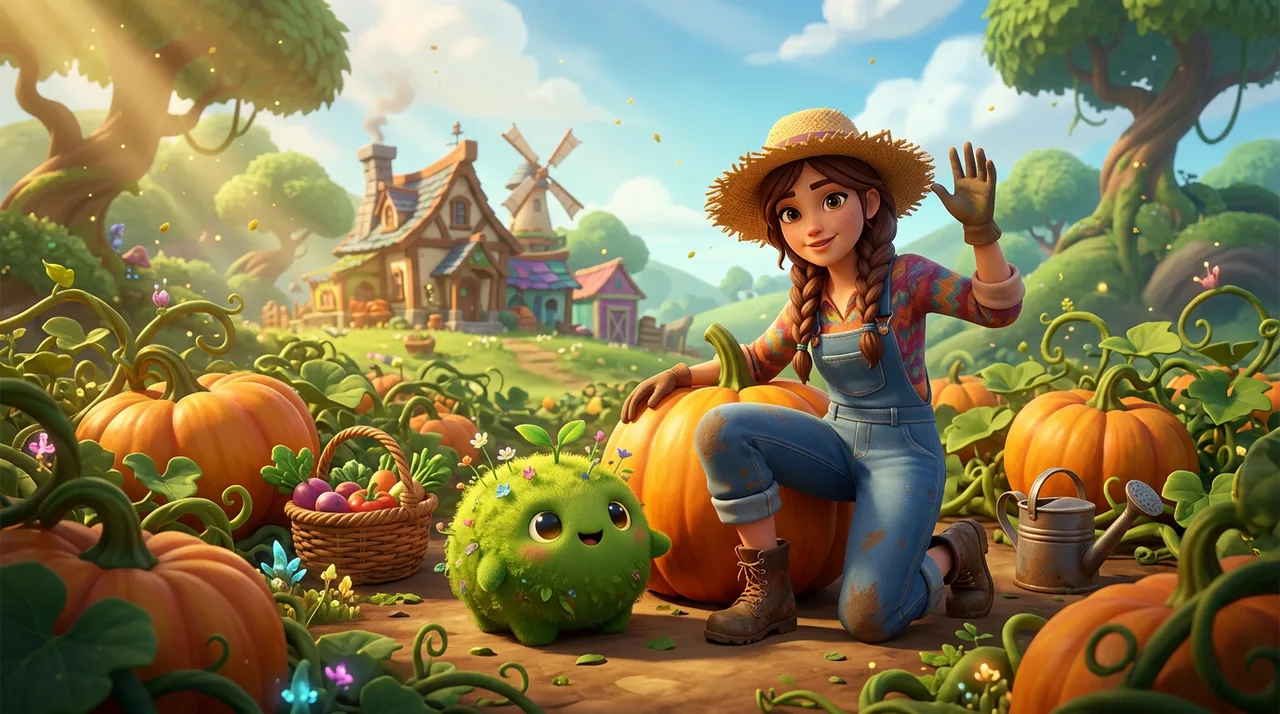
Nano Banana 2.1
Google's newest image model, sharp and faithful to the prompt.
~4 credits / imageStudio and agents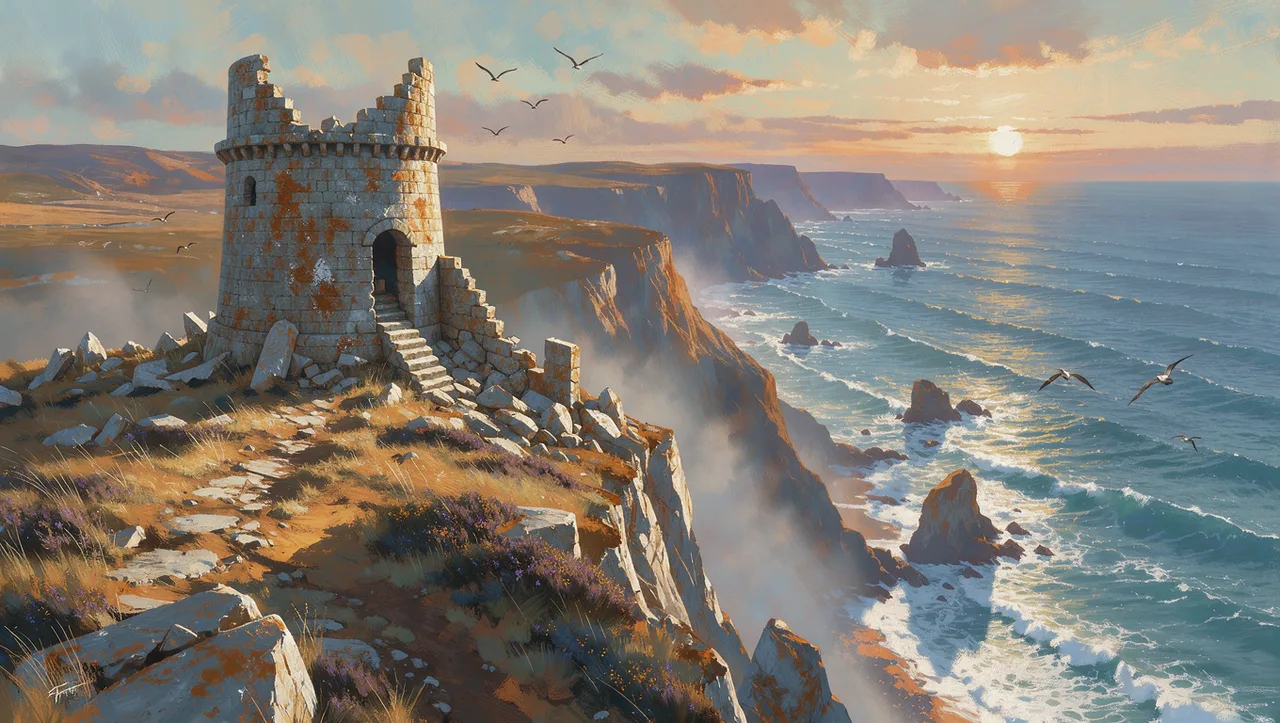 New
Black Forest Labs · Image
FLUX 3
Photoreal and painterly images with precise prompt control.
4.8 credits / imageStudio and agents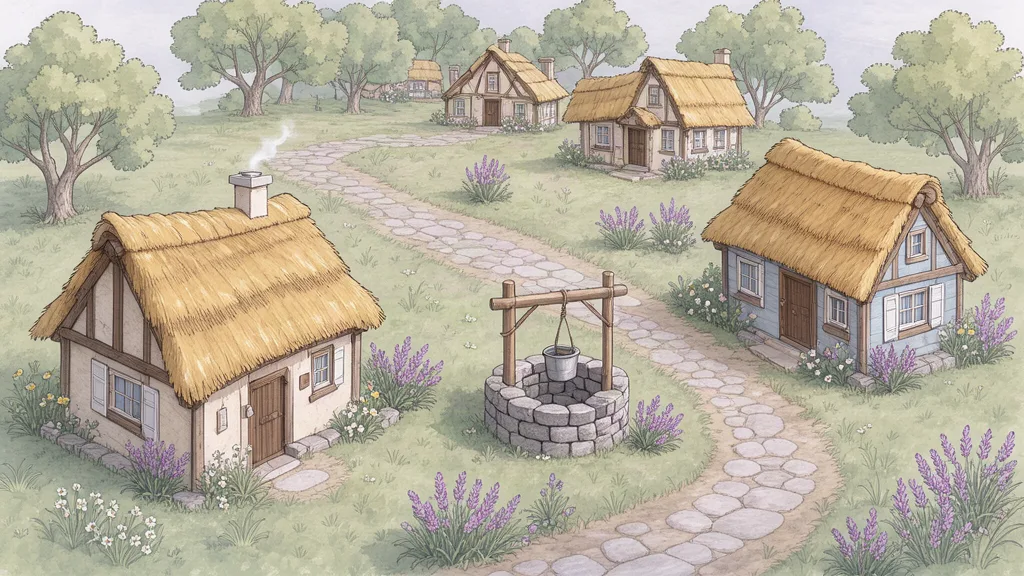 New
Black Forest Labs · Image
FLUX 3 Klein
The small, fast FLUX 3 for drafts under a cent.
0.9 credits / imageStudio and agents New
Ideogram · Image
Ideogram 4.5
The model for words in images: logos, titles and signs.
6 credits / imageStudio and agents