Asset Store
Discover high-quality assets for your next game project, or create your own with AI.
Create AssetDiscover high-quality assets for your next game project, or create your own with AI.
Create Asset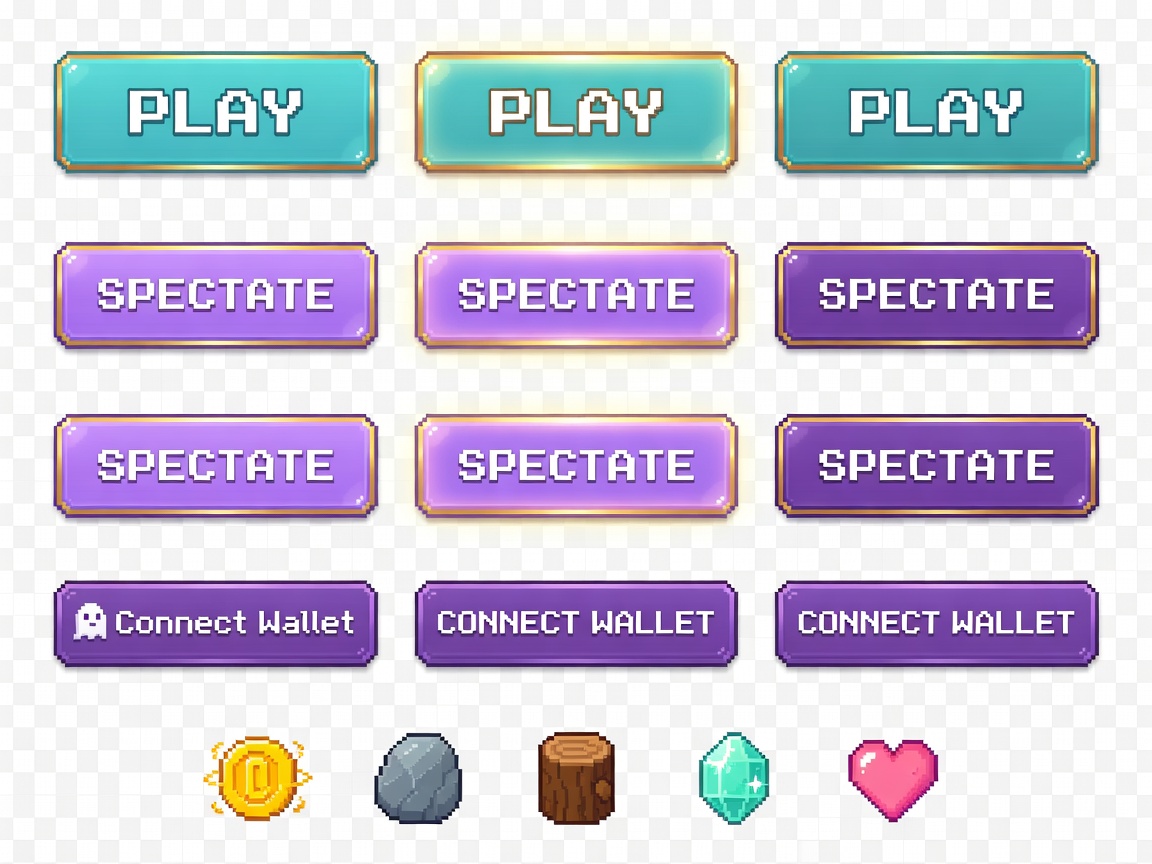
Made with Grok Imagine · CC0 · 14 Jun 2026
Generated from: Pixel art UI button and interface element sprite sheet for a 2D floating island game menu. Premium clean glossy pixel art style, transparent background. Layout: arranged in rows with clear spacing between elements. Row 1 - PLAY button (96x40 px each, 3 states side by side): Large rounded rectangle, cyan-to-teal gradient (#4DD9C0 to #7EC8E3), bold white pixel text "PLAY", subtle golden border (#FFD700), inner highlight shine, soft glow effect. States: Normal (default), Hover (brighter + golden glow), Pressed (darker, slightly inset/depressed look). Row 2 - SPECTATE button (80x36 px each, 3 states): Rounded rectangle, pastel purple gradient (#C5A3FF to #7B5EA7), white pixel text "SPECTATE", thin golden border. States: Normal, Hover, Pressed. Row 3 - CONNECT WALLET button (72x28 px, 3 states): Small rounded rectangle, deep purple (#7B5EA7) with subtle gradient, white pixel text "Connect Wallet", tiny Phantom-style ghost icon on left in white. States: Normal, Hover, Pressed. Row 4 - Resource icons (16x16 each in a row): Gold coin with spinning feel (#FFD700), Stone chunk (#A0A5B0 with highlights), Wood log (#8B6914), Crystal gem (#4DD9C0 with sparkle), Heart/HP icon (#FF8FAB). No anti-aliasing, clean 1-2px outlines on buttons, consistent pixel scale. Premium pixel art game UI, modern retro, soft pastel and gold color theme, cute and polished, Stardew Valley and Moonstone Island UI inspired.
Creator
Codexbt
Sign in to join the conversation.
Sign in to comment🌍CC0
Use, share, and remix the model freely with no restrictions and no attribution needed.