AI 3D Game Asset Generator: What Actually Works in 2026
How AI 3D game asset generators work, which ones produce game-ready meshes, and why generating a model is only half the job. The import-and-rig step is where most tools quit.
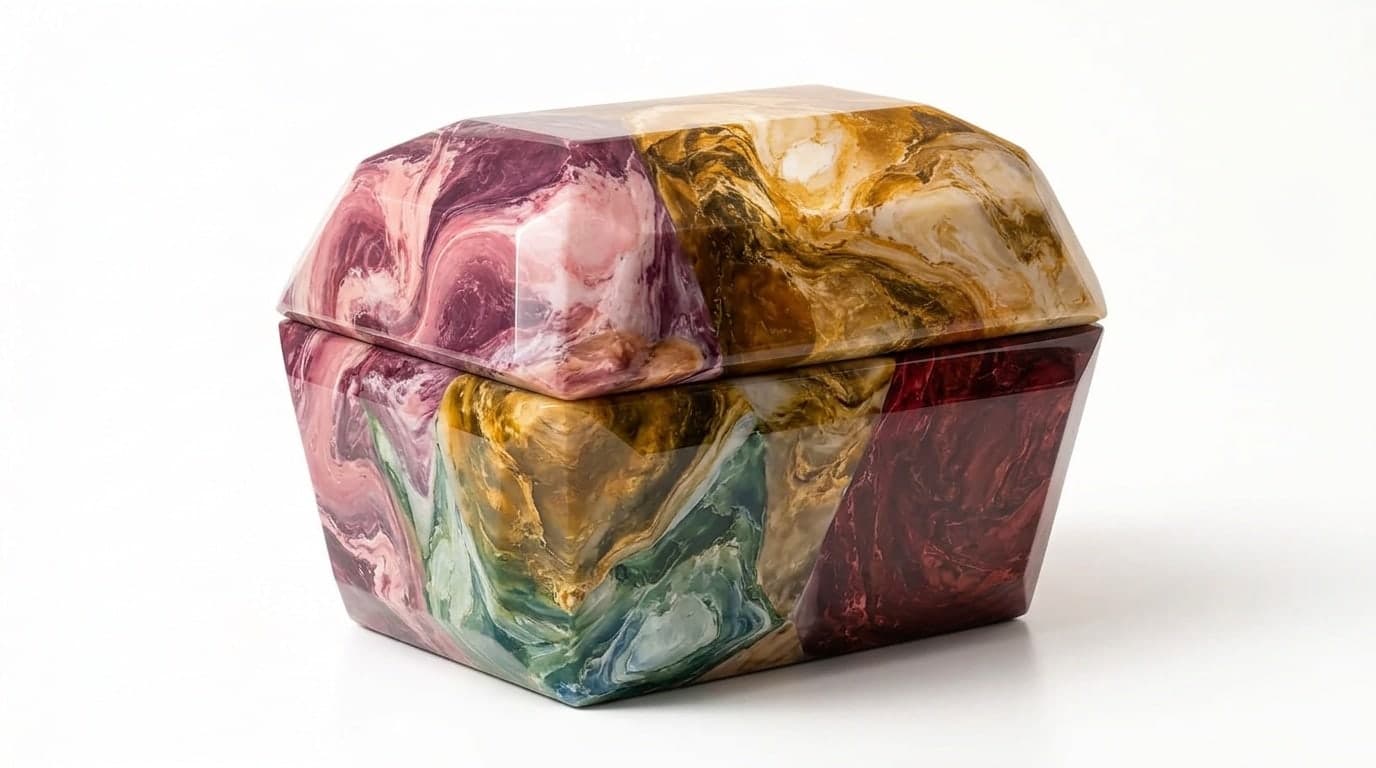
You type "weathered wooden treasure chest, stylized, low poly" and forty seconds later you have a textured 3D model. That part works now. AI 3D asset generators in 2026 are genuinely good at the thing they advertise: turning a prompt or a reference image into a mesh with PBR textures and decent topology.
The problem is that a mesh is not a game asset. A game asset has the right scale, a collision shape, a material that reads correctly under your engine's lighting, and a rig if it needs to move. Every generator hands you a raw file and stops there. The gap between "I have a .glb" and "it is in my game and it works" is where most of the actual time goes, and it is the part the marketing never shows.
This post covers what the generators actually do well, where they quit, and how to close the gap so a generated model ends up in a playable scene instead of a downloads folder. If you want the wider picture of building a whole game this way, the parent guide is the AI game maker hub.
{/* IMAGE: Split graphic. Left: a chat prompt for a 3D prop. Right: the same prop placed in a game scene with a collision shape visible. Illustration, 1200x675. */}
What an AI 3D Asset Generator Actually Does
The core capability is text-to-3D and image-to-3D. You give the model a description or a single reference image, and it produces a mesh plus textures. Under the hood these tools run diffusion and reconstruction models that have been trained on large 3D datasets, then mesh the result and bake textures onto it.
In practice you get four things from a good generation:
- Geometry. A mesh, usually quad-dominant or cleanly triangulated, in the few-thousand to few-hundred-thousand polygon range depending on the quality setting.
- Textures. A PBR material set: base color, normal, roughness, sometimes metallic, baked to a UV layout the tool generates for you.
- A file. Almost always a .glb or .gltf, often with .fbx, .obj, and .usdz as alternate exports.
- Optional rigging. For humanoid and some animal shapes, an auto-rig and a few stock animations.
That is a real amount of work compressed into under a minute. Hand-modeling and texturing the same chest is an afternoon. So the value is genuine. The question is what happens next.
The Three Generators Worth Knowing
Three tools lead the standalone category in 2026, and they are the engines that most other products quietly wrap.
Meshy is the broadest. Strong text-to-3D and image-to-3D, fast generations, a remesh step that cleans topology, and auto-rigging for characters. Its free tier gives you a monthly credit pool, enough for a few models a day, with a watermark removed on paid plans. It is the default most people reach for first.
Tripo competes closely on quality and is often faster. Its image-to-3D reconstruction is particularly sharp when you feed it a clean reference. It also offers rigging and animation, and the free tier is generous enough to evaluate seriously before paying.
Rodin (Hyper3D) targets higher detail on single hero objects. If you need one prop or one character to hold up under a close camera, Rodin's output often needs less cleanup. It is less suited to bulk environment generation, where speed and consistency matter more than per-object fidelity.
None of these is wrong to use. They produce comparable meshes, and the right pick depends on whether you want breadth (Meshy), speed (Tripo), or single-object detail (Rodin). What they all share is where they stop: at the file.
Why the Mesh Is Only Half the Job
Here is the part the demos skip. Once you have the .glb, a real engine still needs you to handle several things before the model is usable.
Scale. Generators output models at arbitrary sizes. Drag one into a scene and it might be the size of a building or a grain of rice. You have to measure and rescale against your existing assets.
Collision. A visual mesh does nothing physically. The player walks through it. You need to add a collision shape, either a cheap primitive (box, capsule) or a generated convex or trimesh shape, and decide which based on whether the object is static, moving, or walkable.
Materials. The baked textures look right in the generator's viewer, which uses its own lighting. In your engine they can read flat, too shiny, or too dark, because your renderer's lighting and color space differ. Usually a material tweak fixes it; sometimes you re-import with different texture settings.
Rigging and retargeting. Auto-rigging works on clean humanoid meshes and falls apart on anything unusual. Even when it works, the skeleton the generator produces may not match the animation set your game already uses, so you retarget. A four-legged creature, a multi-armed boss, or a mech often means rigging by hand.
None of this is hard individually. The cost is that it happens for every single asset, it breaks your flow, and it is a context switch out of building and into file plumbing. Generate ten props for a level and you have done the import-scale-collide-material loop ten times.
How Summer Engine Closes the Gap
Summer Engine is an AI-native game engine, compatible with Godot 4, and it pulls 3D generation into the editor instead of treating it as an external step. The difference is not the generation quality, which uses the same class of models as the standalone tools. The difference is that the result lands in your project already set up.
You describe the asset in the same chat where you build the rest of the game. Summer generates the model, imports it into the project, places it as a real node, and wires up the parts that the standalone tools leave to you. The mesh arrives as a proper project asset, not a download you have to drag back in and configure. For characters that need to move, the engine handles rigging and retargeting against the animation set in your project, so a generated creature can use the controller you already built.
The practical effect is that the loop collapses. Instead of:
- Open Meshy in a browser tab
- Generate, wait, download the .glb
- Switch to your engine, import it
- Fix scale, add collision, assign a material
- Rig and retarget if it moves
- Place it in the scene
You describe what you want and it appears in the scene, set up. The cleanup pass for hero assets still exists, because AI geometry is a first draft for anything the camera lingers on, but the repetitive plumbing for the other ninety percent of your assets goes away.
This matters most when you are building a whole game, not a single showpiece. A level needs dozens of props, several characters, and a consistent material language across all of them. That is where the per-asset setup tax actually hurts, and where keeping generation inside the engine pays off.
Honest Notes on Free Versus Paid
Worth being clear, because the pricing on these tools is easy to misread.
The standalone generators all have real free tiers. Meshy, Tripo, and Rodin each give you a monthly credit allowance that is enough to evaluate them properly and to make a handful of assets a day. Free tiers commonly add a watermark, cap resolution, or restrict commercial rights, so if you plan to ship, read the license and likely upgrade. Paid plans on all three generally clear commercial use.
Summer Engine includes a one-time free starter credit for in-editor 3D generation when you sign up, and generation beyond that is paid. Building scenes, writing scripts, and running the project are part of the core workflow; the metered cost is on the generation calls themselves, the same way the standalone tools meter theirs. There is no version where unlimited 3D generation is free, here or anywhere, because each generation is a real compute cost on someone's GPU.
So the honest framing is: the generators are cheap to try and reasonable to ship with on a paid tier. The thing you are actually paying for, with Summer, is not the mesh. It is skipping the import-scale-collide-rig loop on every asset.
Picking Your Approach
If you need a few standalone models and you already have an engine and a workflow you like, use Meshy or Tripo directly. Generate, download, import, and do the setup. For occasional assets, the per-asset tax is fine.
If you are building a 3D game from scratch and you want the assets to land in a working project instead of a downloads folder, an AI-native engine removes the part that scales badly. The generation quality is the same; the time you save is in everything around it.
The full version of this workflow, from first prompt to a 3D scene you can walk around in, is in How to Make a 3D Game with AI. If you want to start from a structure instead of an empty project, the Summer Engine templates give you a working game in a genre, and you swap in generated assets from there. And the wider map of building games this way lives on the AI game maker hub.
A generated chest is forty seconds of work. A generated chest that is in your game, the right size, that the player cannot walk through, and that matches the lighting of everything around it, is the real finish line. Pick the tool that gets you there, not the one with the best viewer.
Frequently asked questions
- What is the best AI 3D game asset generator?
For raw mesh quality, Meshy and Tripo lead in 2026. Both turn a prompt or an image into a textured model with usable topology in under a minute. Rodin is strong for higher-detail single objects. None of them, on their own, put the model into your game. That import-and-setup step is the part that matters once you are actually building.
- Can AI generate game-ready 3D models?
Partly. AI generates the mesh and textures well. Game-ready also means correct scale, a collision shape, a material that matches your renderer, and a rig if the model needs to move. Generators hand you a raw .glb or .fbx. You still do the setup, unless your engine does it for you.
- Is there a free AI 3D asset generator?
Yes. Meshy, Tripo, and Rodin all have free tiers with a monthly credit allowance, usually enough for a handful of models a day. Free tiers add a watermark or hold commercial rights in some cases, so read the license before you ship. Summer Engine includes a one-time free starter credit for in-editor 3D generation when you sign up, and generation beyond that is paid.
- What format do AI 3D generators export?
Most export .glb or .gltf, and many also offer .fbx, .obj, and .usdz. For game engines, .glb is the safest default because it bundles the mesh, textures, and any skeleton into one file. Godot, Unity, and Unreal all import .glb cleanly.
- Can AI rig and animate the 3D models it generates?
Some can. Meshy and Tripo offer auto-rigging for humanoid and some quadruped models, and will apply stock animations like walk and run. Quality varies with how clean the mesh is. For non-standard shapes, auto-rigging often fails and you rig by hand or in a tool like Mixamo.
- How do I get an AI-generated model into my game?
Export a .glb, drag it into your engine, fix the scale, add a collision shape, assign a material, and place it in the scene. In Summer Engine this happens inside the editor: you describe the asset, it generates, and it lands in the project already set up, so there is no download-and-reimport loop.
- Do AI-generated 3D assets look good enough to ship?
For props, environment pieces, and stylized characters, yes. Many shipped indie games use them. For hero characters or anything the camera lingers on, generated meshes usually need a cleanup pass in Blender. Treat AI assets as a fast first draft, not always a final.
- Can I use AI-generated 3D assets commercially?
Usually, but check each tool's license. Paid tiers on Meshy, Tripo, and Rodin generally grant commercial use. Free tiers sometimes restrict it or require attribution. The model itself is fine to ship; the legal terms are the thing to verify before launch.
Keep reading
All posts
Summer 4.0, the Game Engine for AI Agents
Summer 4.0 is the game engine for AI agents. Any agent can build your game, make its assets and publish it once you approve.

Summer Engine now comes as an MCP and a CLI
Summer Engine now comes as an MCP and a CLI. Add one link to your AI agent, or let it run Summer as commands in its terminal. Here is how both work.

Build Custom Game Dev Tools With AI
Build custom game dev tools with AI. Your agent builds the exact tool your game needs inside Summer, shared with your team, and uses it too.