How to Make a Metroidvania With AI (2026)
A practical guide to building a Metroidvania with AI: the genre's real engine is the ability gated map, not the platforming. Learn the lock and key design, the build order, and the exact workflow inside Summer Engine where the AI is wired into the editor.
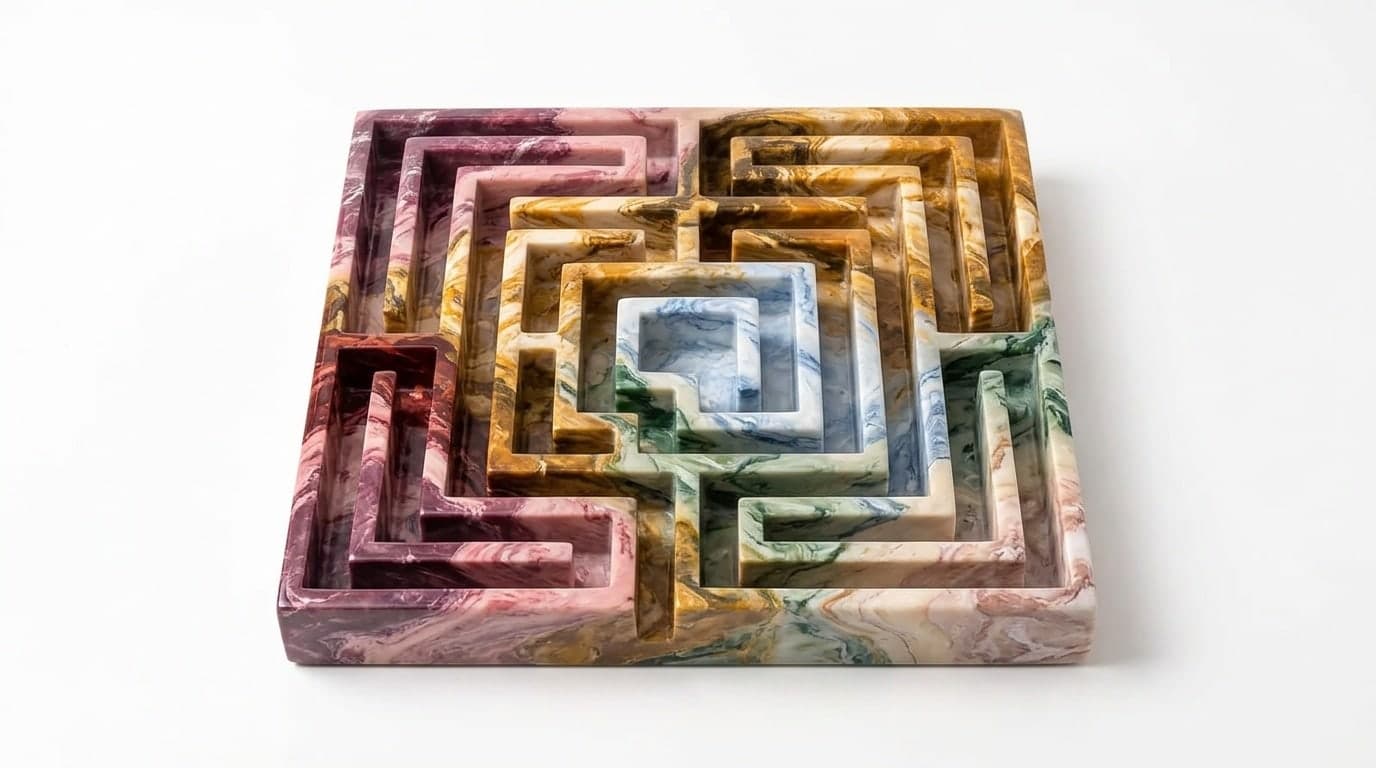
Most guides on this topic start with the platforming, and that is the wrong place to start. Tight jumping matters, but it is not what separates a Metroidvania from any other 2D action game. The thing that makes the genre is the map. One connected world, where the way forward is almost always to go backward with a new ability and reach a place that was closed to you an hour ago.
That structure is the whole genre, from Metroid and Castlevania to Ori, Axiom Verge, and Blasphemous. The art changes, the combat changes, but the loop is always the same: get an ability, remember a wall you could not pass, go back, pass it. So this guide is built around that loop. We will plan the map first, then let AI do the building inside a real engine while you decide how the world opens up.
The Real Engine of the Genre Is the Map
Strip a Metroidvania down and you are left with three things that depend on each other.
- A reliable platformer controller. Jump, dash, double jump, wall cling. It has to feel trustworthy frame by frame, because every gate you design assumes the player can execute the movement.
- A set of unlockable abilities. Each one is both a new way to move or fight and a key that opens locked parts of the world.
- One interconnected, hand placed map. Not levels. A single space that folds back on itself, gated so that abilities open old paths.
The first one is movement, and it is the part most people obsess over. The third one is design, and it is the part that actually makes the genre. The middle one is the hinge: every ability has to be useful in your hands and useful as a key on the map at the same time. Get that connection right and the world feels alive. Get it wrong and you have a platformer with fast travel.
Why Image Only AI Tools Cannot Build This
Plenty of tools marketed as an "AI game maker" are image generators. They will give you a beautiful ruined cathedral, an eerie biome, a striking boss silhouette. That is real and useful for art direction. It is also none of a Metroidvania.
A generated image does not double jump. It does not remember that a wall was impassable an hour ago. It cannot make a door check whether the player has the bomb upgrade before it opens. To build this genre, the AI has to live inside the engine so it can write the ability script, place the gated door, wire the transition between two rooms, and then run the build so you can feel the jump and test the gate. The picture is the easy half. The connected systems are the half that needs a real engine underneath them.
Step Zero: Plan Your Lock and Key Order on Paper
This is the step that does not involve the engine at all, and it is the most important one. Before you build anything, decide your locks and keys.
A lock is something the player cannot get past yet: a gap too wide, a wall that needs a bomb, a high ledge, a pool of acid. A key is the ability that opens it: a dash, a bomb, a double jump, a swim upgrade. Designing a Metroidvania is mostly deciding which keys exist, which locks they open, and the order the player collects them in.
Sketch it as a simple diagram. List your abilities in the order the player gets them, and next to each one write the locks it opens and roughly where they are. The test is whether your world loops: does at least one new ability send the player back to a spot they already saw and wished they could reach? If every ability only opens doors that are right in front of you, you have a linear game wearing a Metroidvania costume. This planning is yours to do, because it is the creative spine of the project, and it is exactly the judgment AI cannot make for you.
How to Actually Build One
Here is the workflow, using an AI native engine where the model is wired into the editor and can build scenes, write scripts, and run the game.
Step 1: Start from a 2D platformer template, not a blank project
A blank project means the AI rebuilds gravity, the jump, collision, and the camera before doing anything interesting. A 2D platformer template already has a working character controller and a side scrolling camera, which is most of your foundation. Open it, press play, and confirm the basic movement feels right before adding anything on top.
Step 2: Make the jump feel good before anything else
People skip this, and it ruins everything downstream. Ask the AI to add the small quality of life touches that make a jump feel responsive: coyote time so a jump still fires just after you leave a ledge, jump buffering so a press just before landing still counts, and variable height so a short tap is a short hop. Playtest it. Every gate and every challenge you design later assumes this jump is trustworthy, so it has to feel right now, not later.
Step 3: Build your first key ability and feel it in your hands
Pick the first ability from your plan, usually a dash or a double jump, and build it for the player before you think about it as a key. Ask for a dash with a fixed distance and a short cooldown, bound to a button, that works in the air. Play it. The ability has to be fun to use on its own, because the player will use it thousands of times. If it does not feel good as a toy, it will not feel good as a key either.
Step 4: Turn that ability into a gate
Now connect two rooms. Build a second room as its own scene and add a door or path that loads it when the player walks through, and get a clean transition working both ways first. Then place the lock: an obstacle in the first room that the ability from step 3 is the answer to, like a gap exactly wide enough that only the dash crosses it. Ask the AI to make the path beyond it require that ability. This single example is the core loop of the genre in miniature. Get it feeling good before you scale it, because every other gate in your game is a copy of this one.
Step 5: Place a lock the player meets before the key
This is the move that makes a Metroidvania click, and it is worth doing deliberately. Early in the world, place an obstacle the player clearly cannot pass yet, like a ledge too high for a single jump, and let them walk past it. Later, in a different area, give them the double jump. Now ask the AI to make sure that early ledge actually leads somewhere worth returning for. When the player thinks "I remember that ledge, I can reach it now," the genre is working. That moment is the payoff your whole map is built to deliver.
Step 6: Build one boss as a state machine
A Metroidvania needs fights that reward your movement. Add a boss in passes. Start with a boss that idles and performs one telegraphed attack on a timer, with a clear wind up you can read and dodge. Play it until the dodge feels fair. Then add a second and third attack and let it choose between them. Then add a phase that changes the pattern as its health drops. Playtest after every pass. Building it incrementally is the only way to tell whether a fight feels unfair because of the timing, the telegraph, or the damage, rather than guessing at a finished boss that already feels wrong.
Step 7: Add save points and a map screen
Two systems turn a set of test rooms into a world. A rest point that saves the player's position and respawns them there, and a map screen that fills in as they explore so they can see the shape of the world and plan their backtracking. Ask for these once your movement and gates are solid, because they are the connective tissue. The map screen in particular is what lets the player do the thing the genre is named for: look at where they have been and decide where a new ability lets them finally go.
What the AI Does Well, and Where You Still Drive
Be honest with yourself about the split, because it changes how you spend your hours.
The AI is excellent at the mechanical work: writing a dash with a cooldown, wiring a room transition, building a boss state machine, making a door check an ability flag before it opens, adding coyote time to a jump. Describe the behavior precisely and it builds it and runs it inside your project.
What it cannot do is design your map. It will not decide that the bomb should open three different walls scattered across the world, that your second area is missing a reason to return, or that the player gets the dash twenty minutes too late. That is the lock and key design from step zero, and it is the part that makes the world feel deliberate instead of random. A Metroidvania lives or dies on the rhythm of "locked, then unlocked," and that judgment is yours alone. The AI gets you to a playable build fast so you spend your time on the design that actually makes it a game.
Where to Start
The honest version: a Metroidvania is a real project, not an afternoon, because the map is a web you have to plan and connect. But every step on the path is something you can build, run, and feel the same day, and the planning happens on paper before you ever touch the engine.
Sketch your lock and key order first. Then open the AI game maker, start from a 2D platformer template, and make the jump feel good. Build one ability, turn it into one gate, and place one lock the player meets before its key. That single loop, repeated and connected, is a Metroidvania. Summer Engine is free to download, including the AI workflow, 2D and 3D, and a Steam export, with a paid plan only if you run a lot of AI usage. Design the map, let the AI build it, and playtest every piece before you move on.
Frequently asked questions
- Can AI make a Metroidvania?
Yes, when the AI is connected to a game engine instead of just generating images. The genre is built from connected systems: a reliable platformer controller, a set of unlockable abilities, and a single map where each ability opens paths you saw earlier. An AI native engine can write those scripts, place the gated doors, and wire the room transitions inside your project, then run the game so you can test the feel. The one thing it cannot do is design the lock and key order, because that is the creative core. You decide the map, the AI builds it.
- What makes a game a Metroidvania instead of a platformer?
Backtracking driven by abilities. In a normal platformer you move forward through discrete levels. In a Metroidvania the whole world is one connected space, and progress comes from gaining an ability, like a double jump or a dash, then returning to an old area to reach somewhere you could not before. The map is the puzzle. If a player never re-enters an earlier room with a new power and thinks 'now I can get up there,' you have a platformer with a map, not a Metroidvania.
- What is a lock and key in Metroidvania design?
A lock is an obstacle the player cannot pass yet, like a gap too wide to jump, a breakable wall, or a body of acid. A key is the ability that opens it, like a dash, a bomb, or a swim upgrade. Designing a Metroidvania mostly means deciding which keys exist, which locks they open, and the sequence the player collects them in. You plan this as a simple graph before building anything, because it controls pacing, difficulty, and the feeling of the world opening up.
- Which template should I start a Metroidvania from?
Start from a 2D platformer template, not a blank project. The template already gives you a character controller with gravity, a jump, collision, and a side scrolling camera, which is most of a Metroidvania's foundation. The AI then adds the dash, the double jump, the wall cling, and the ability gates on top of working movement instead of rebuilding the basics. Starting from a template also means the physics and camera conventions already exist, so each iteration is faster and less likely to break the parts that were working.
- How do I design the map so backtracking feels rewarding?
Show the player a path they cannot take yet, then give them the ability that opens exactly that path. Place a ledge too high to reach near the start, let the player notice it, and an hour later hand them the double jump in a different area. The reward is recognition. To make it work, place gates by hand rather than generating the map procedurally, because the satisfaction depends on the player remembering a specific spot. Track your locks and keys on a single diagram so you can see whether the world actually loops back on itself.
- Is there a free way to make a Metroidvania with AI?
Yes. Summer Engine is free to download, and the AI can build the controller, the abilities, the gated doors, the room transitions, and the bosses inside your project, with a paid plan only for higher AI usage. You can build and export a 2D Metroidvania to Steam for free, and only pay if you run a lot of AI generations. Free image and music tools can also cover your art and soundtrack, but they cannot make the world connect or the abilities work on their own, which is why the engine is the piece that matters.
- Do I need to know how to code to build a Metroidvania?
No. You describe each mechanic in plain language and the AI writes and wires the code inside the engine. Understanding a little about how a platformer is structured helps you give clearer instructions, like asking for a dash with a cooldown or a door that checks an ability flag before opening, but you can build a working Metroidvania without writing a line yourself. The skill that matters most is not coding, it is designing the lock and key order and playtesting each piece before you move on.
Keep reading
All posts
How to Make a Game Like Hollow Knight With AI (2026)
A step by step guide to building a Metroidvania like Hollow Knight with AI: the core mechanics to recreate, which template to start from, and the exact workflow inside Summer Engine where the AI is wired into the editor.

AI Enemy Generator for Games: What It Is and How to Use One (2026)
What an AI enemy generator actually does, the three layers it should cover (sprite, stats, behavior), and how to build working enemies for your game by describing them in plain language.

AI Horror Game Maker: How to Build a Horror Game by Describing It (2026)
How to build a real horror game with AI: the five mechanics that actually make a game scary, which template to start from, and a step by step workflow inside Summer Engine where the AI is wired into the editor.