Summer 3D
Create 3D modelsfor your game
Start with a prompt or reference image. Choose a model, then inspect the generated mesh.
See examplesMake a lower-poly 3D model
Start with text, one image, or several views if the selected model supports them.
Add your input
Describe the shape you want or add PNG, JPEG, or WebP references in the image slots offered by the model.
Choose a target
If Polygons appears in settings, choose Auto or an available target. Topology choices also depend on the model.
Check the mesh
Generate and rotate the preview. Download the GLB or open it in Studio, then inspect its polygon count, materials, scale, and performance in your game.
Examples
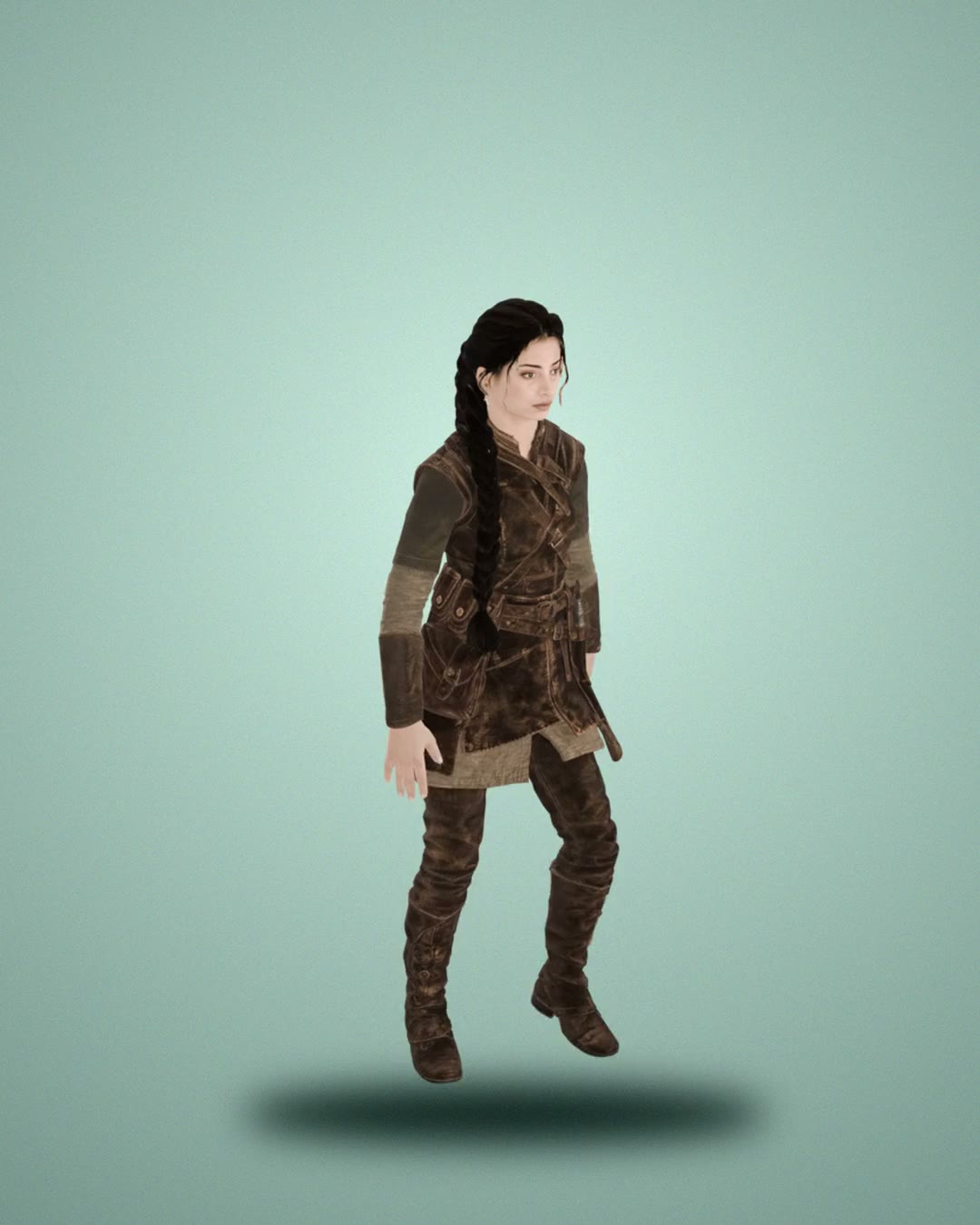
Real models from the picker. Drag one around in 3D, or recreate it with one click.
 3D
3D 3D
3D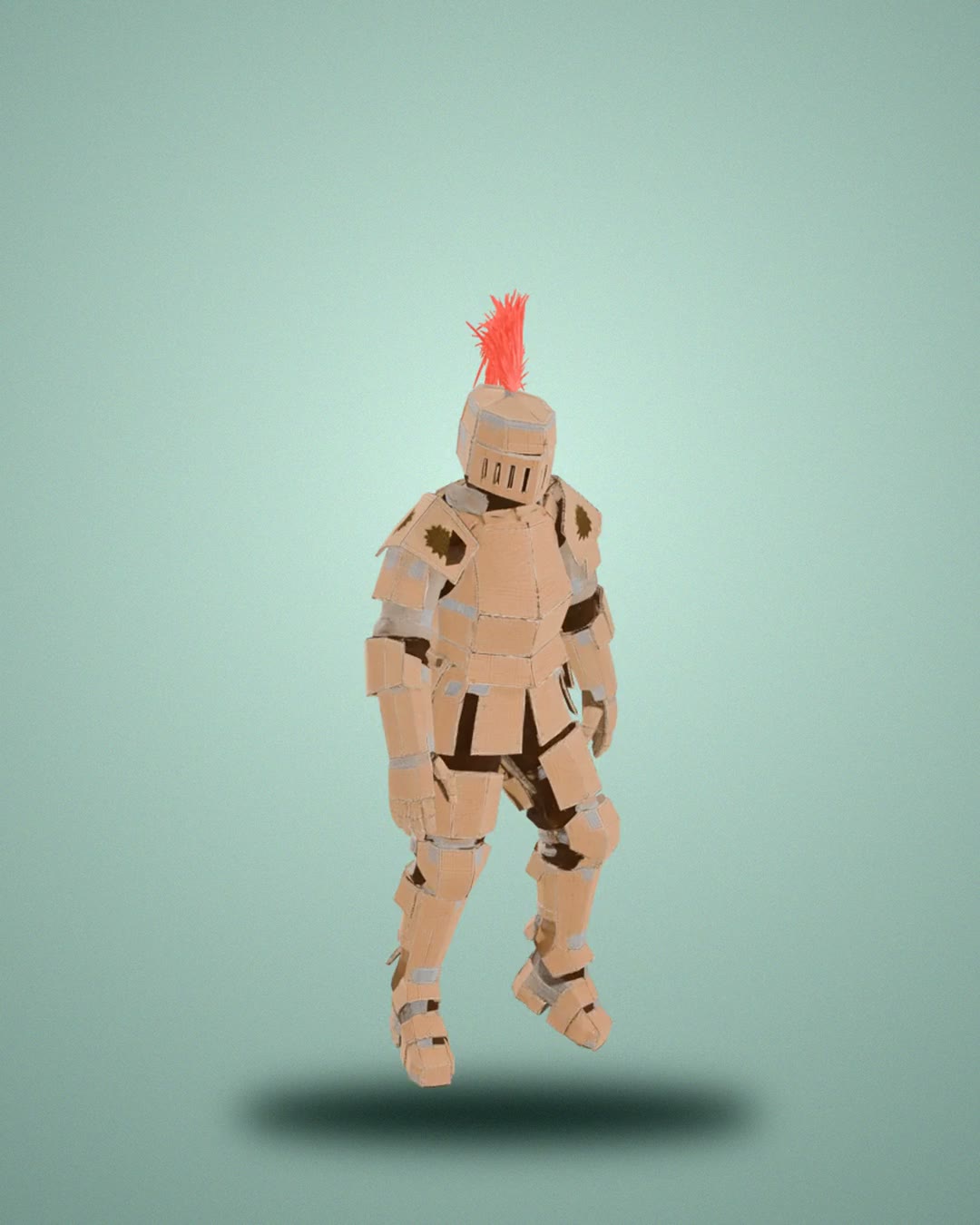 3D
3D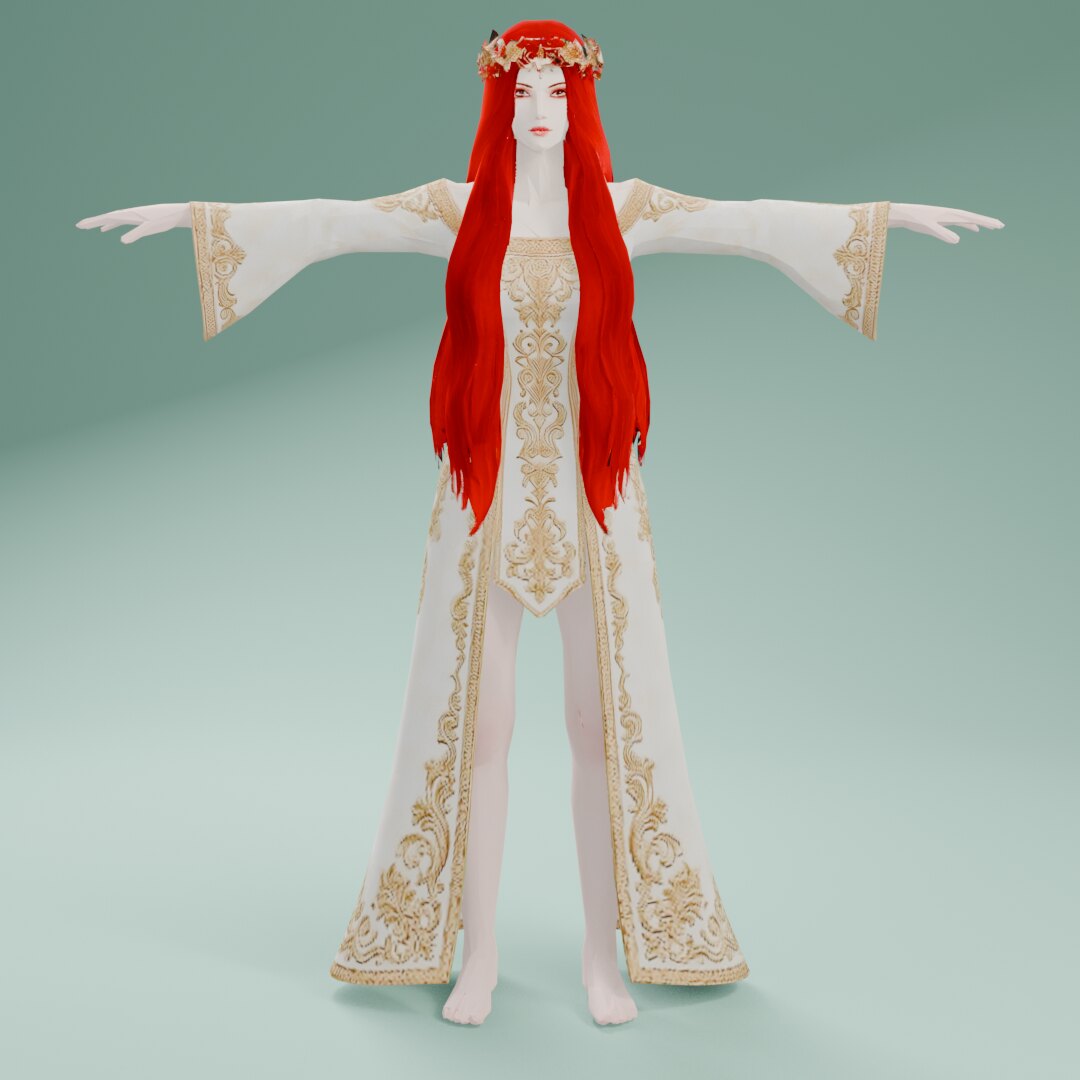 3D
3D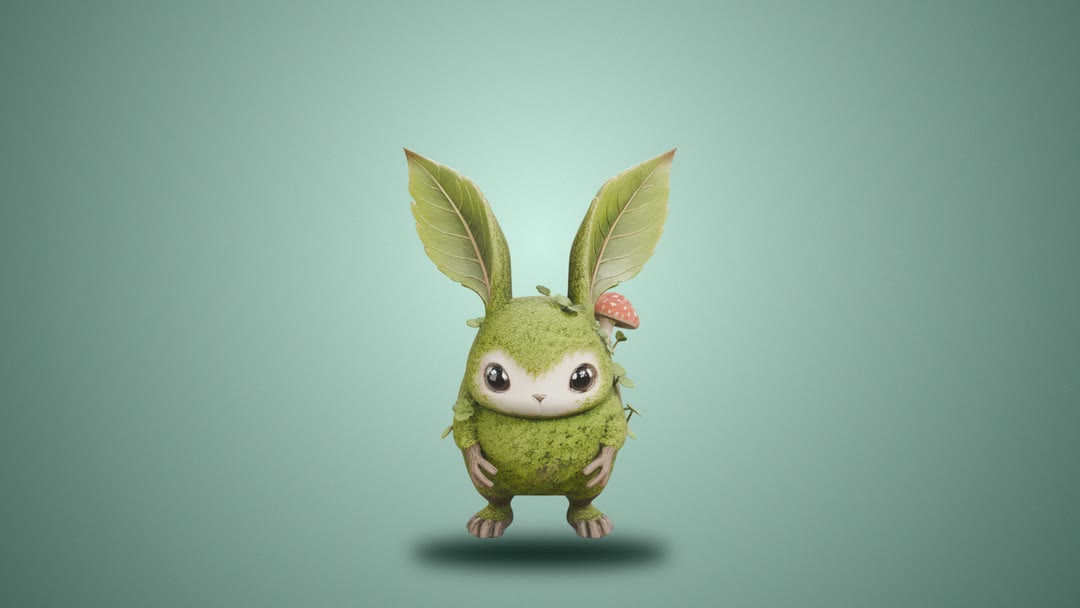 3D
3D 3D
3D 3D
3D 3D
3D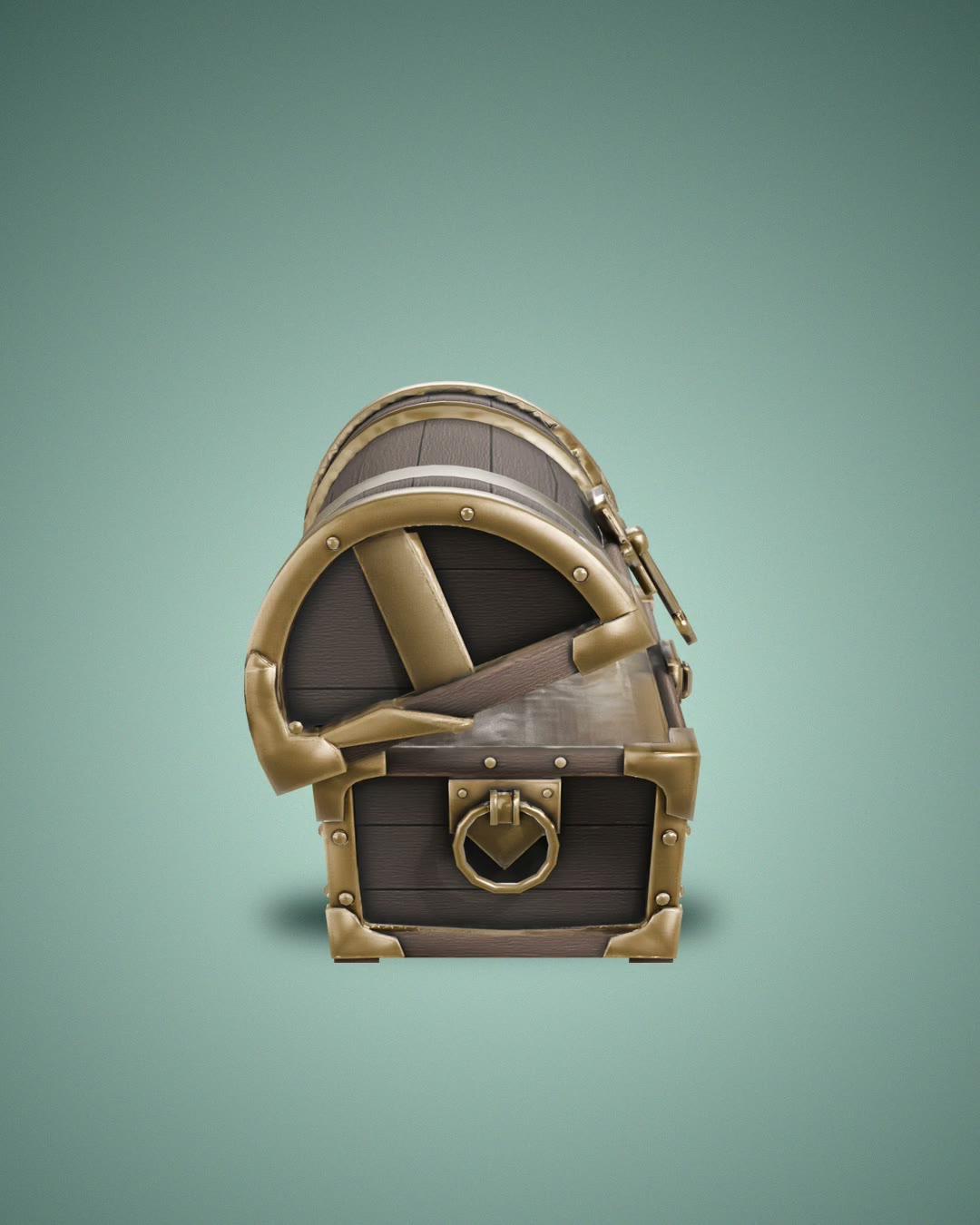 3D
3D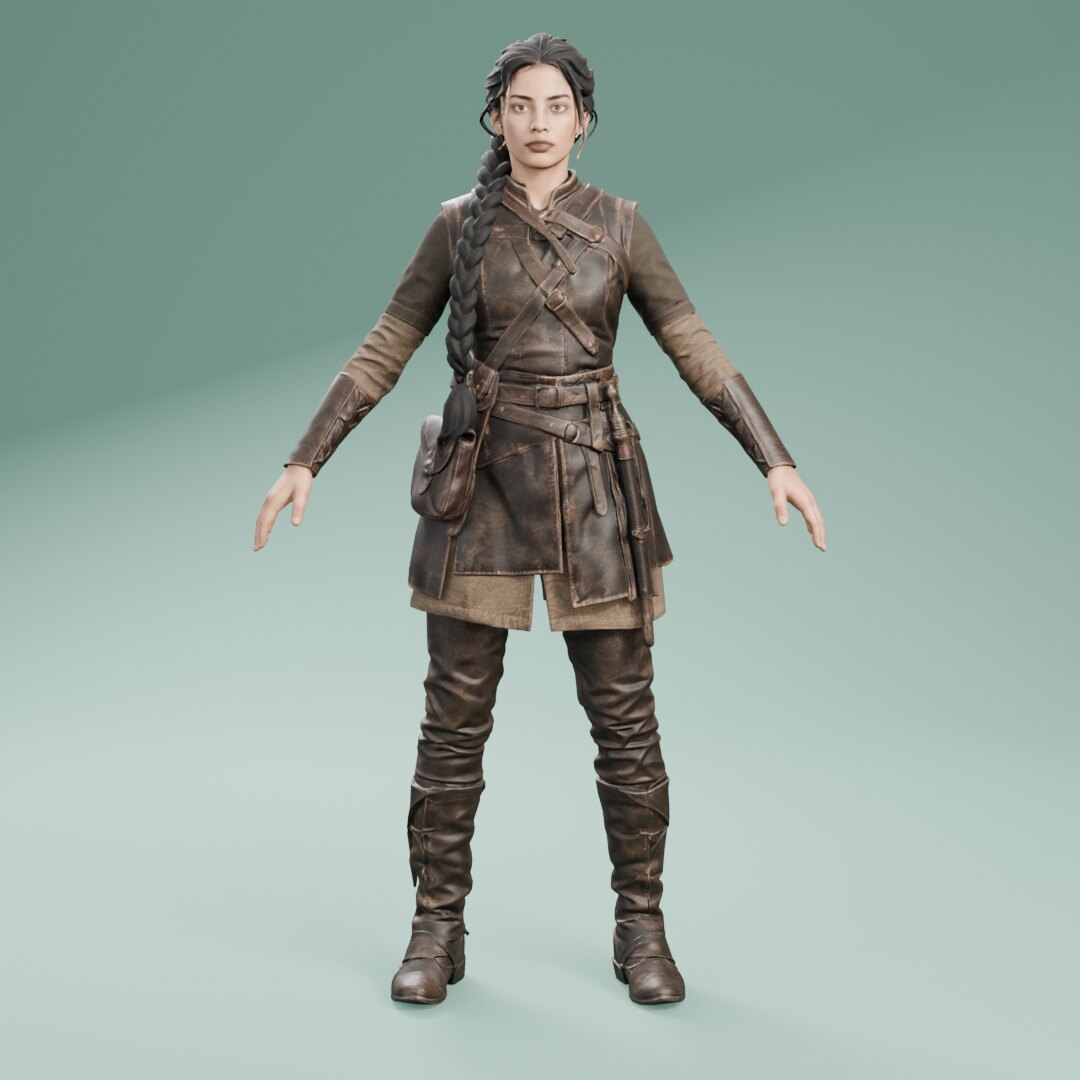 3D
3D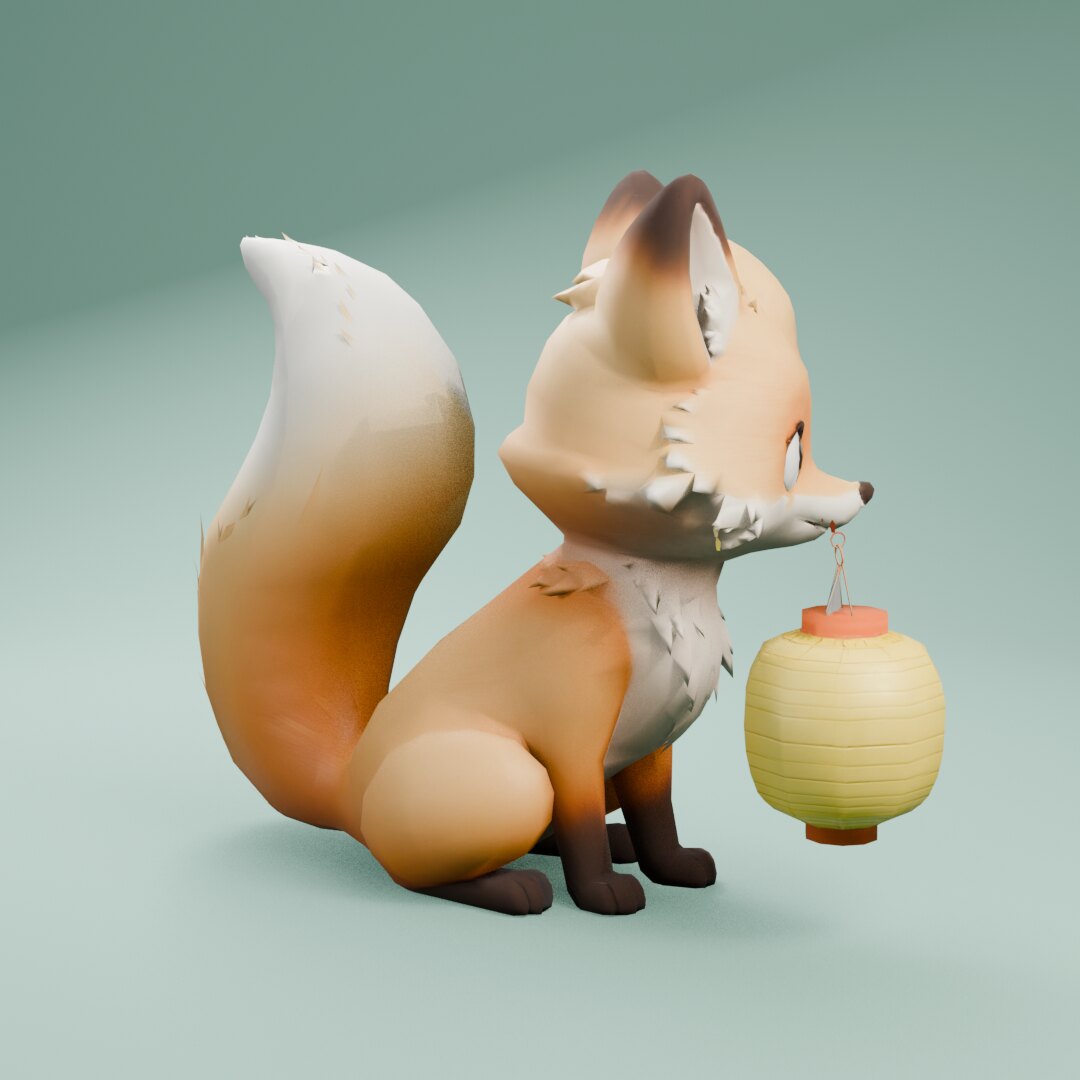 3D
3D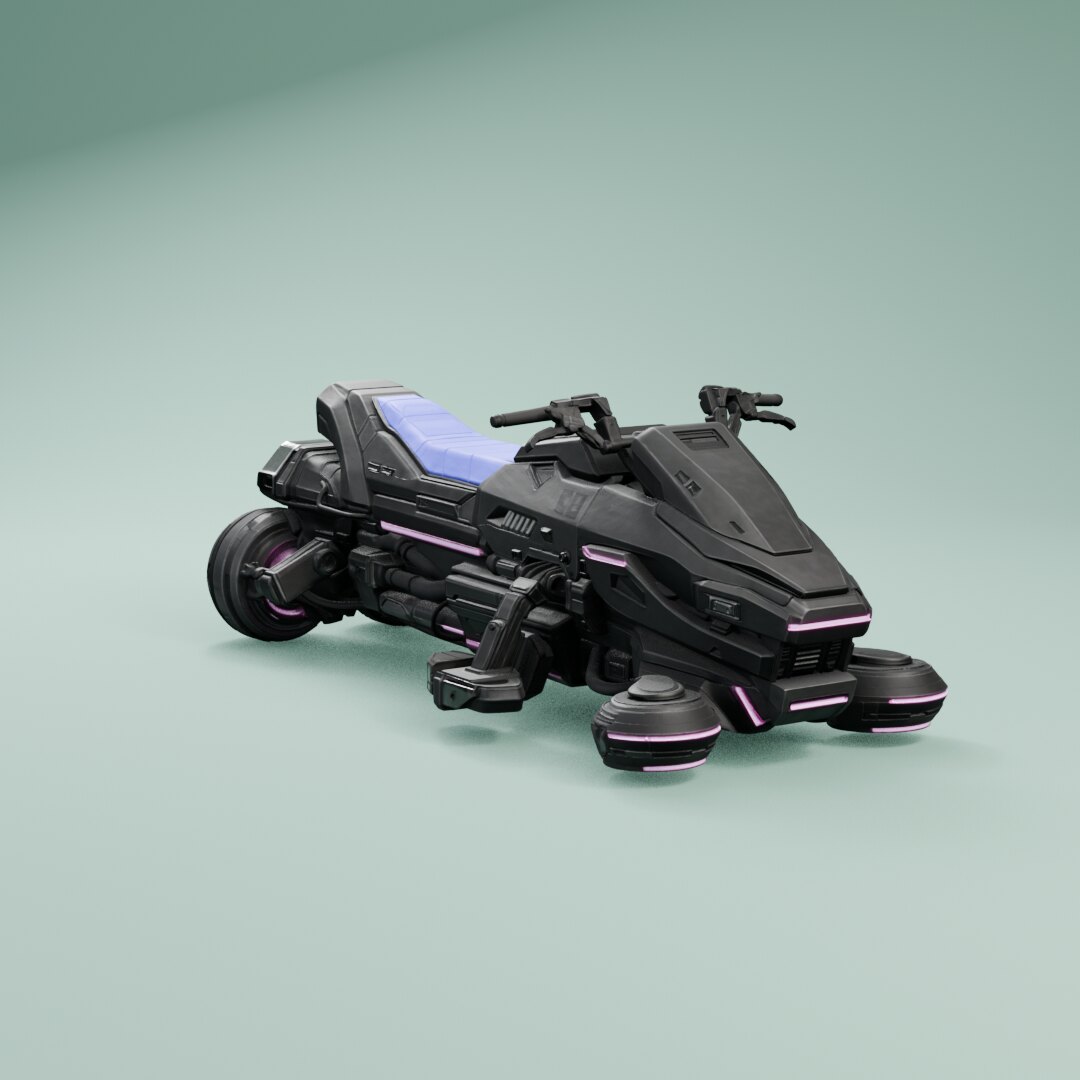 3D
3D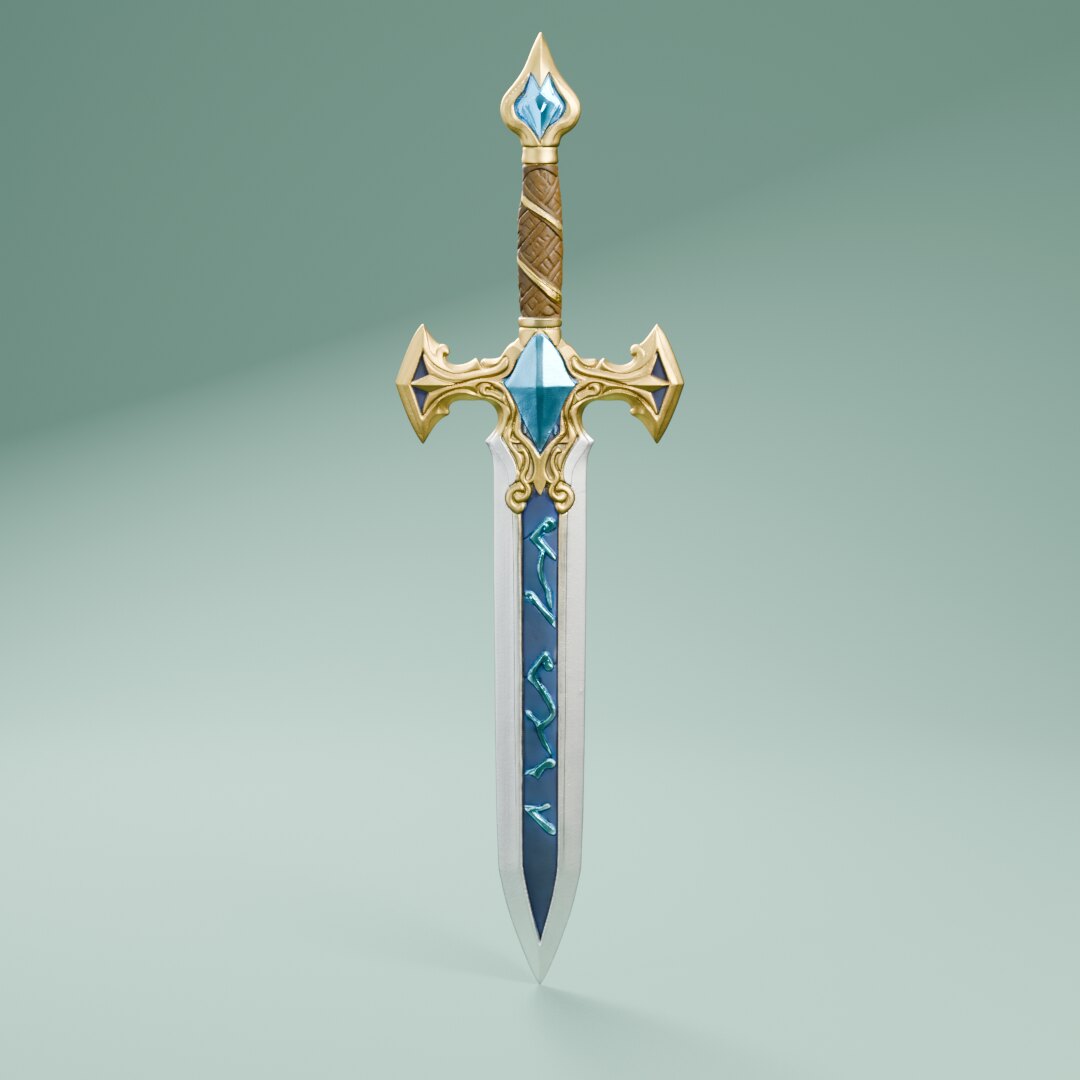 3D
3D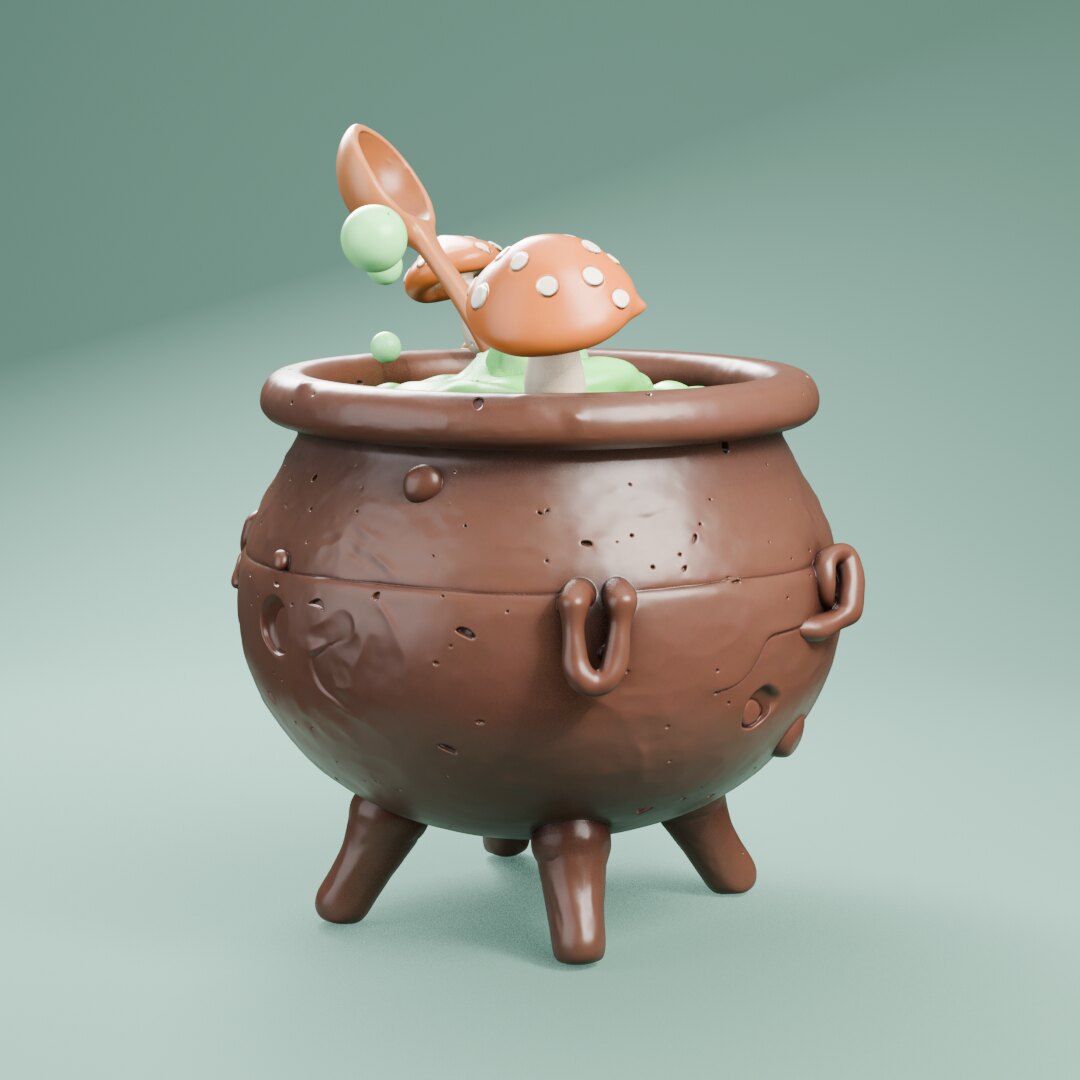 3D
3D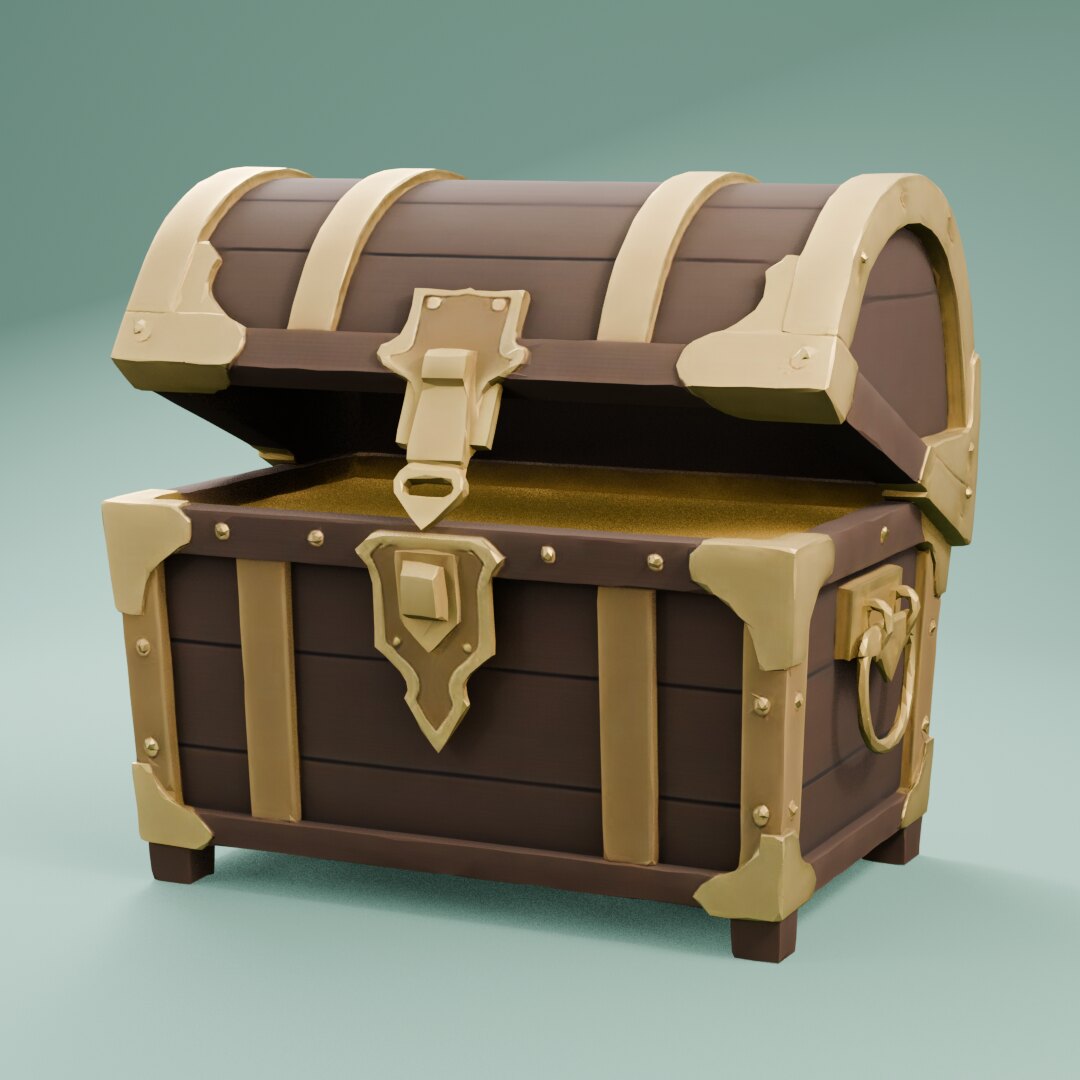 3D
3D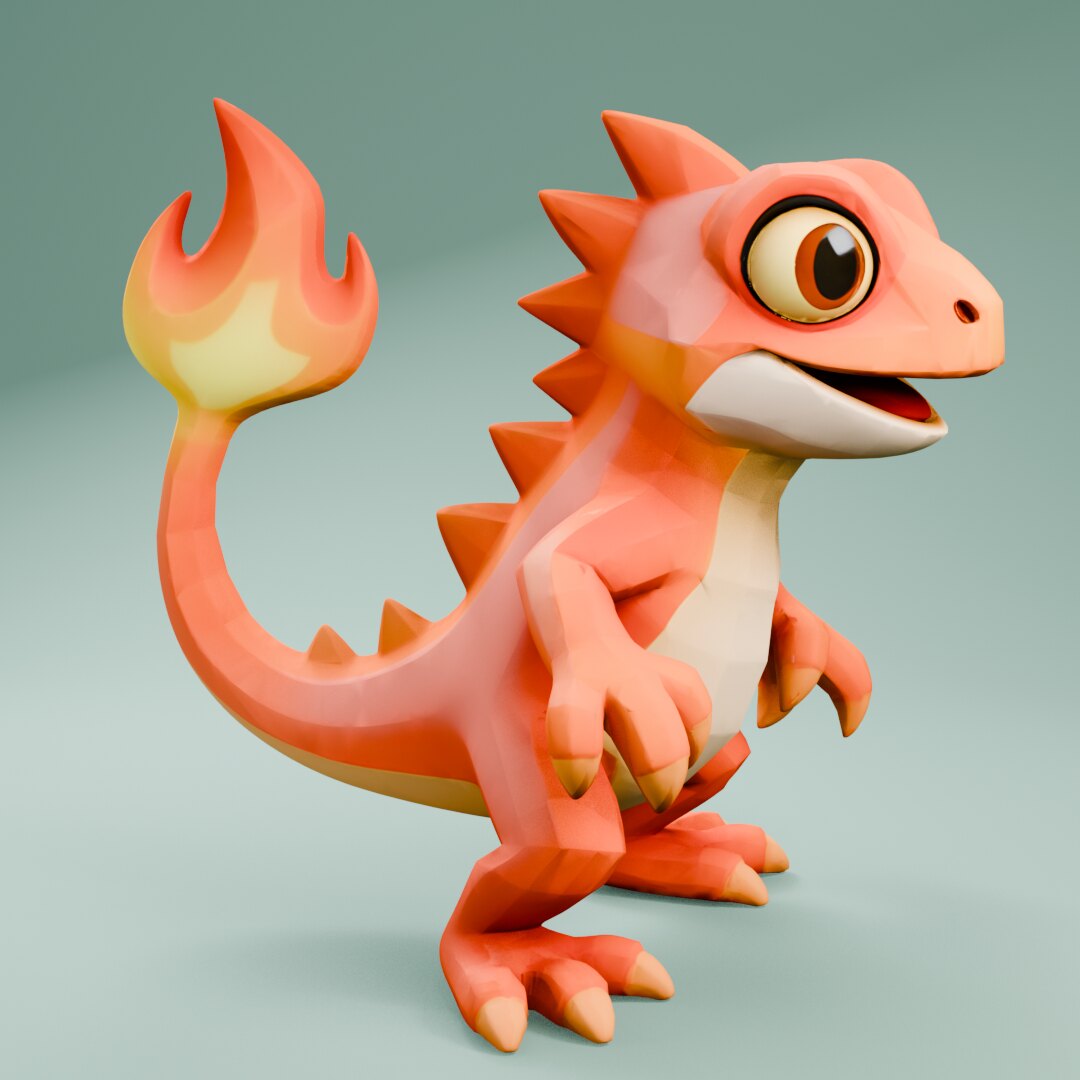 3D
3D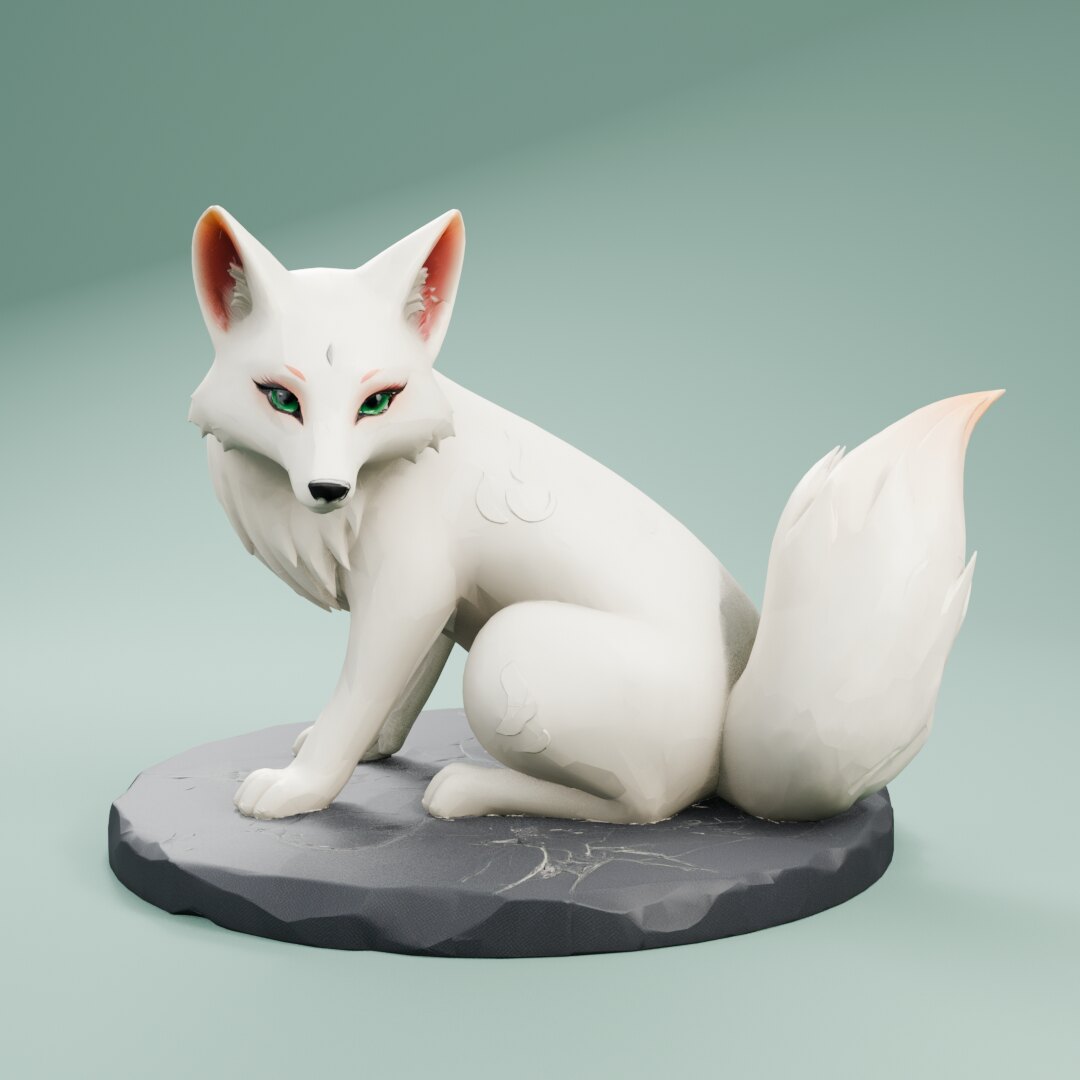 3D
3D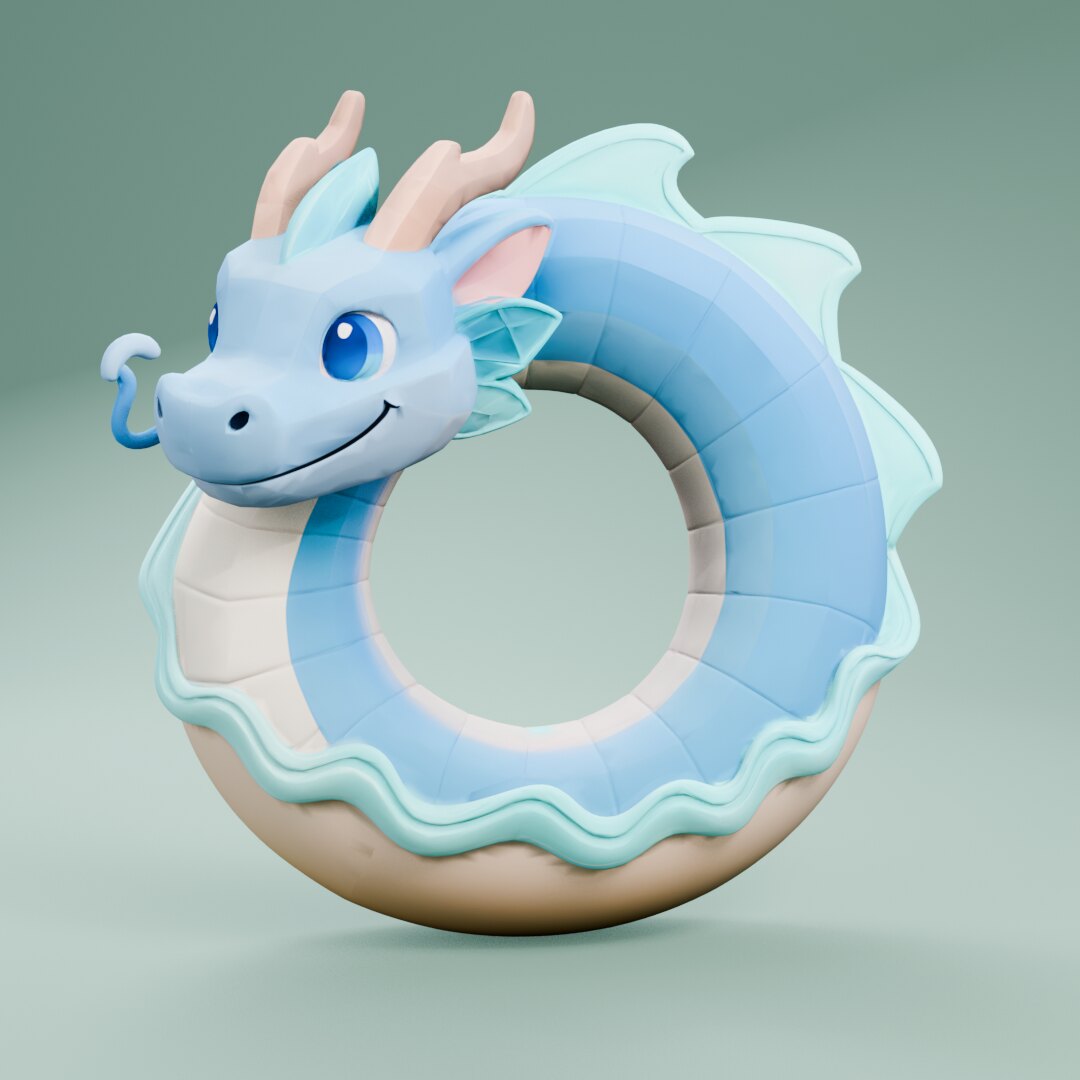 3D
3D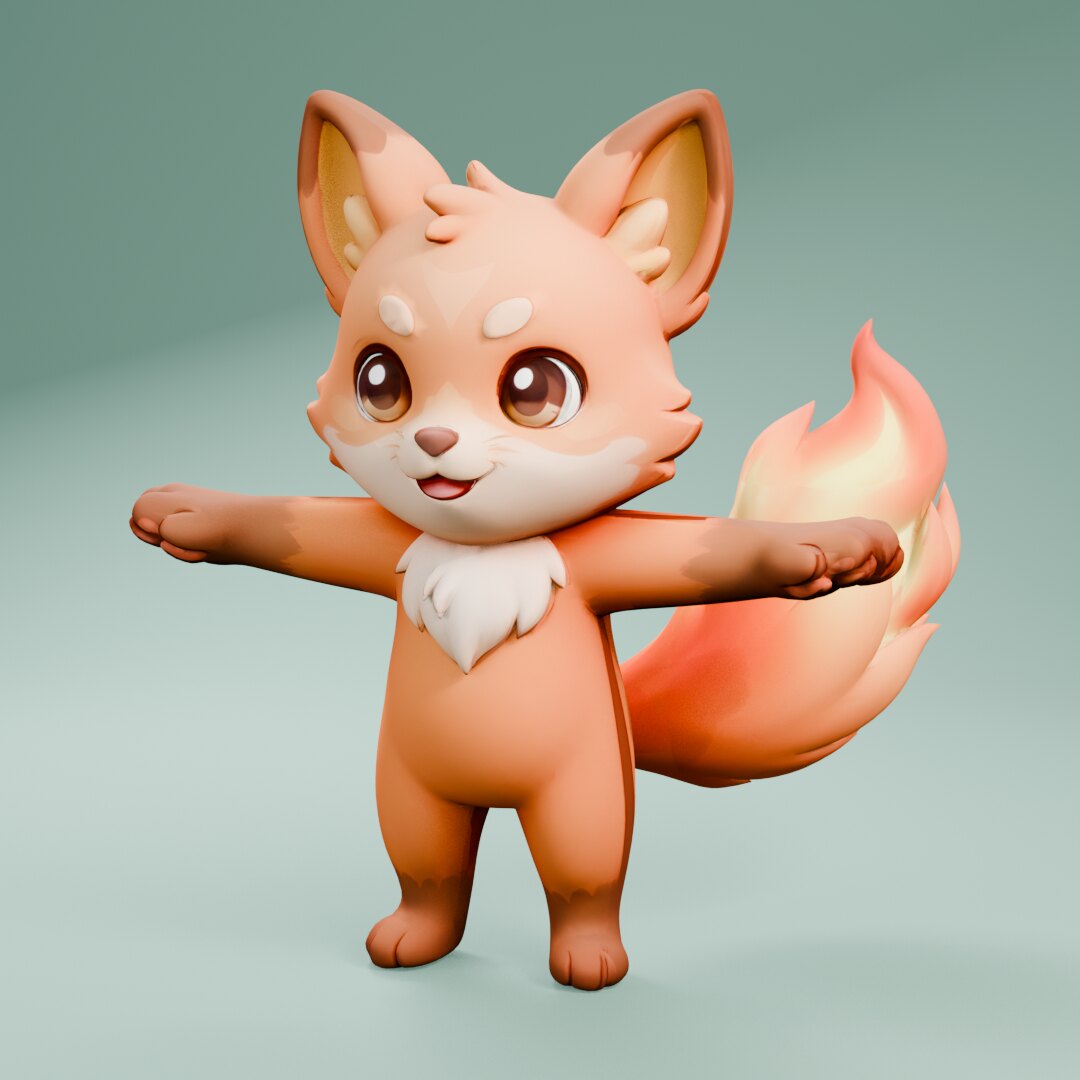 3D
3D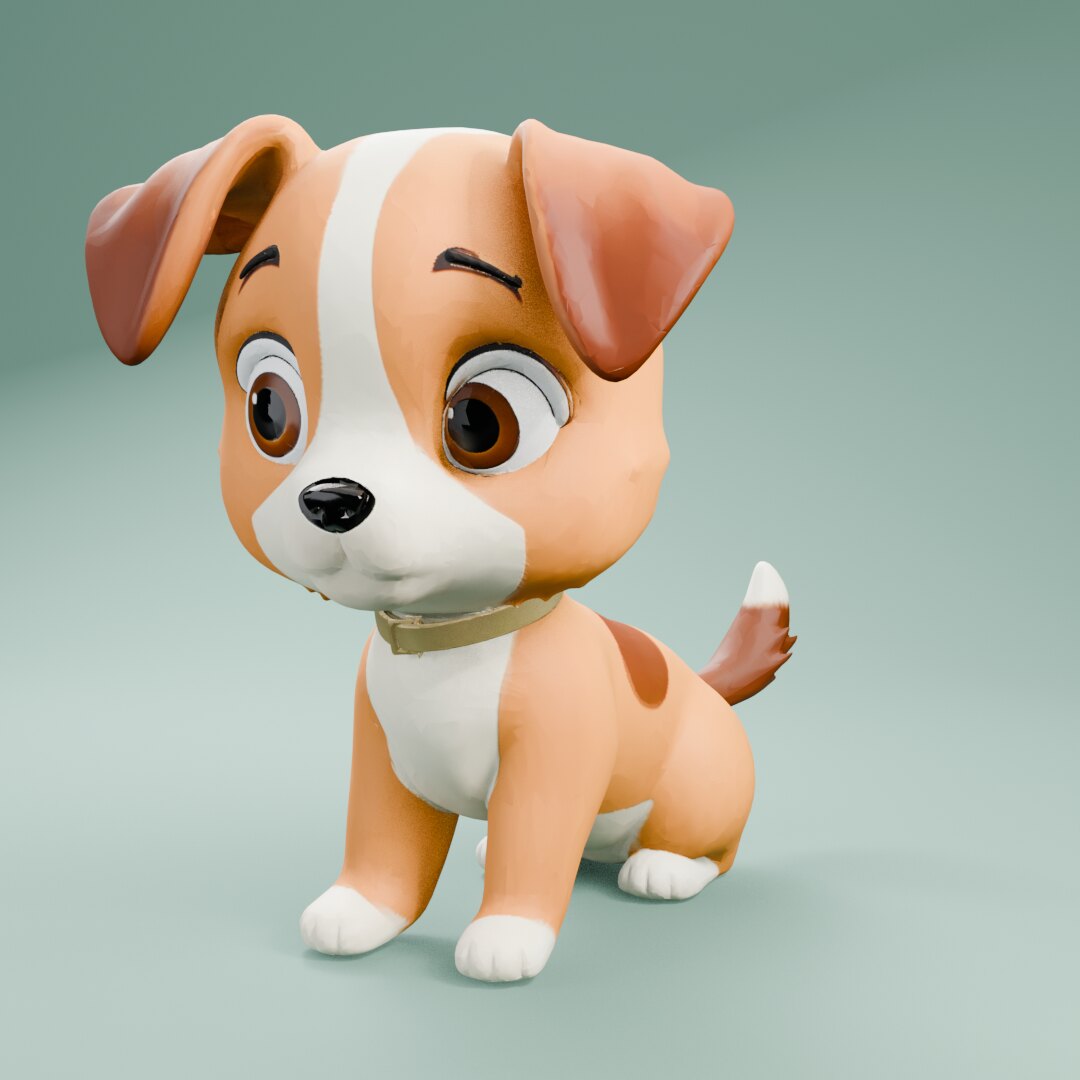 3D
3D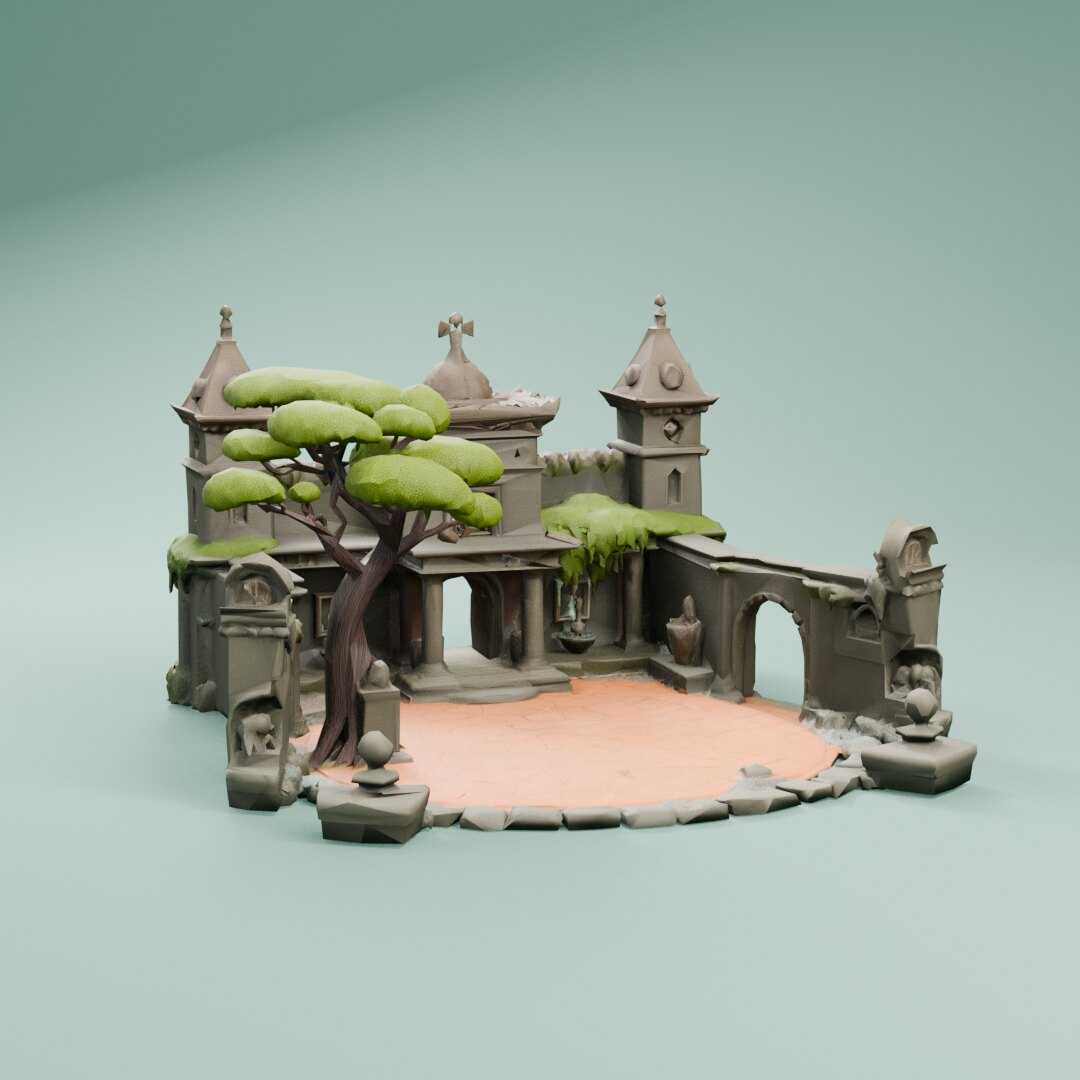 3D
3DTripo
Tripo P1 for game 3D models
Tripo P1 turns one image into a low-poly mesh with an optional texture, under a set face budget, which suits mobile and stylized games.
What game makers use it for
- Props and characters for mobile games under a tight face budget.
- Stylized low-poly assets from a concept image.
- Quick untextured blockouts for level greyboxing.