Summer 3D
Create 3D modelsfor your game
Start with a prompt or reference image. Choose a model, then inspect the generated mesh.
See examplesMake a lower-poly 3D model
Start with text, one image, or several views if the selected model supports them.
Add your input
Describe the shape you want or add PNG, JPEG, or WebP references in the image slots offered by the model.
Choose a target
If Polygons appears in settings, choose Auto or an available target. Topology choices also depend on the model.
Check the mesh
Generate and rotate the preview. Download the GLB or open it in Studio, then inspect its polygon count, materials, scale, and performance in your game.
Examples
Real models from the picker. Drag one around in 3D, or recreate it with one click.
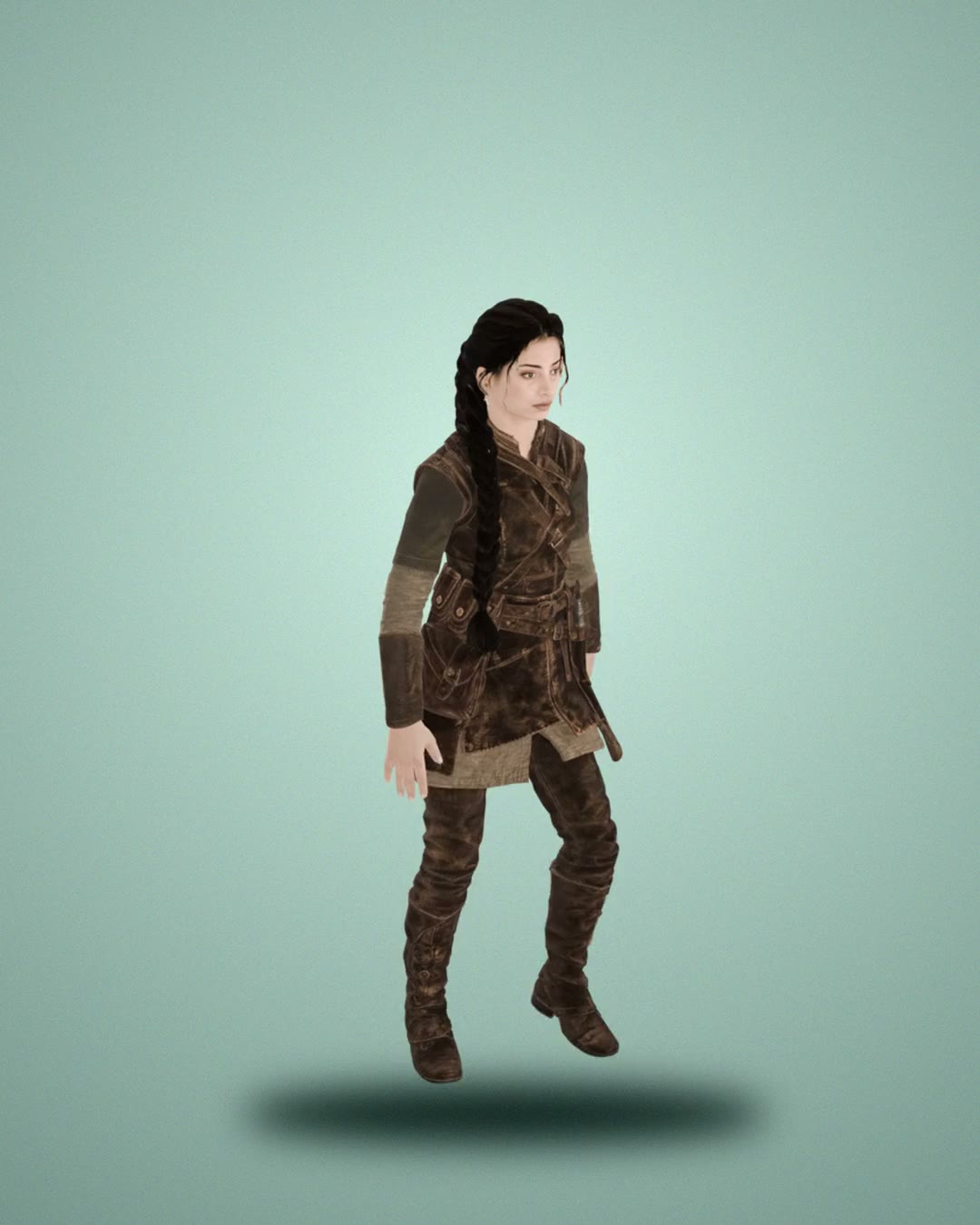 3D
3D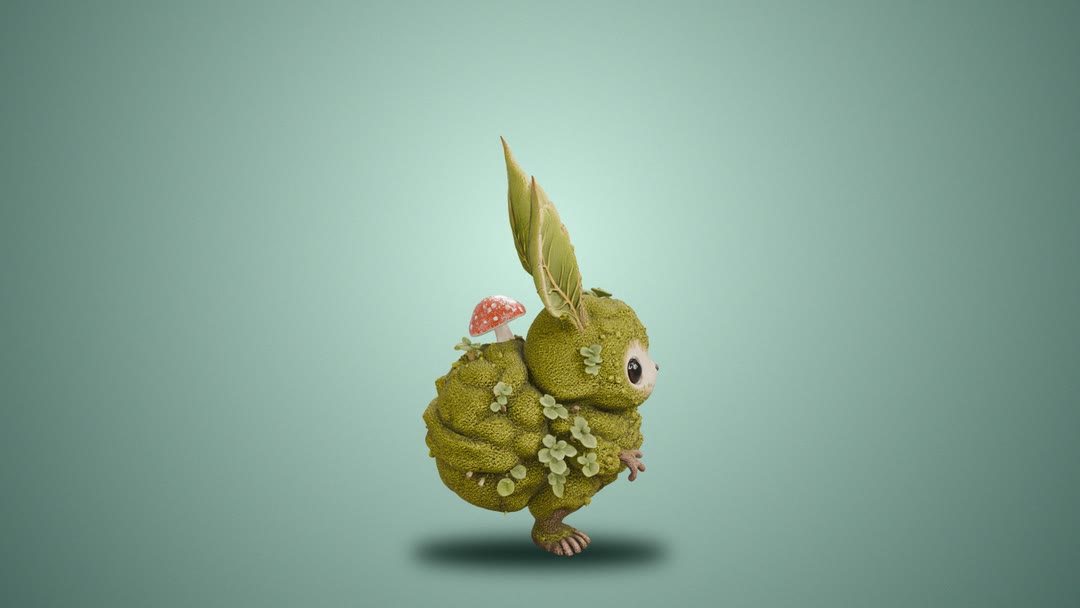 3D
3D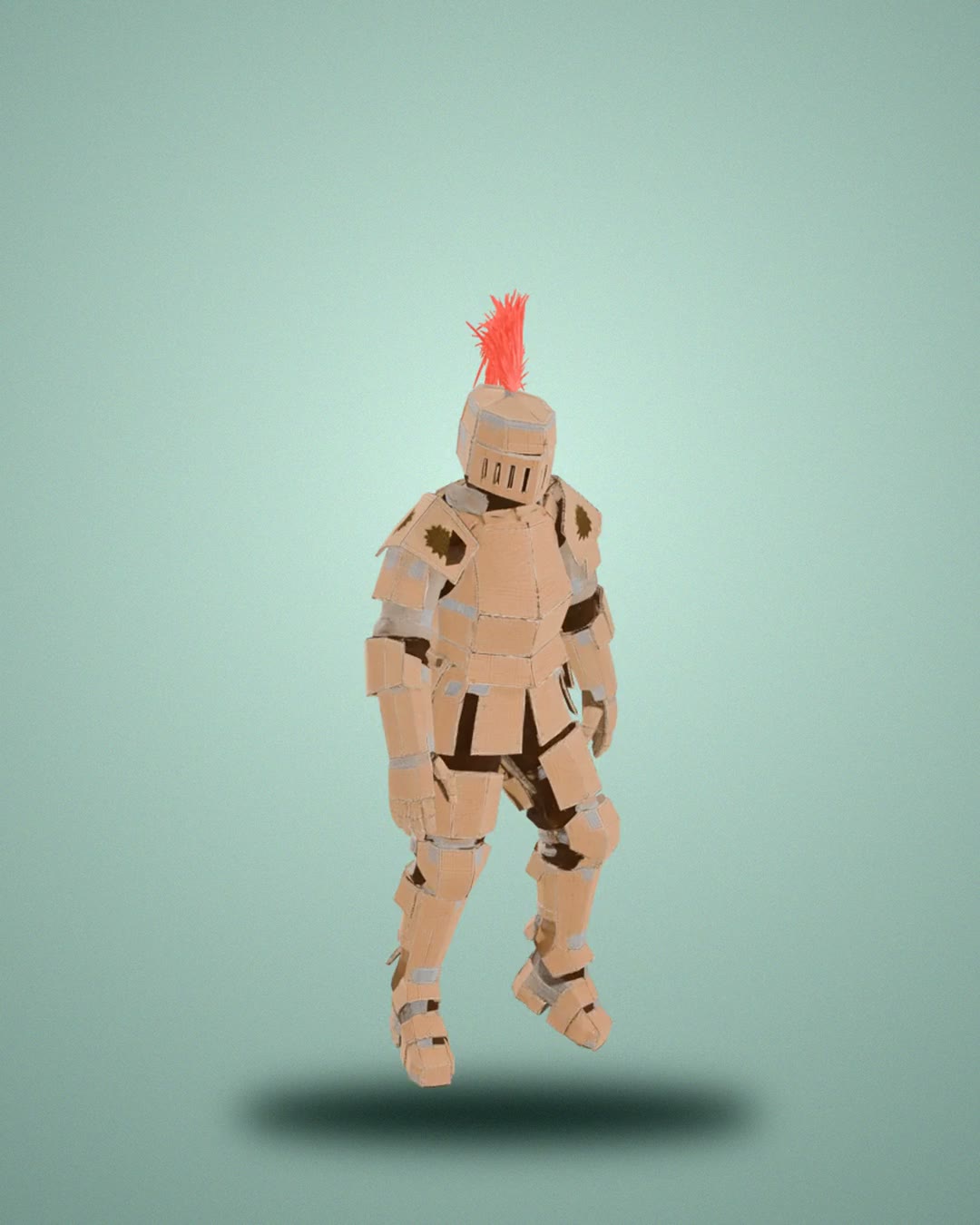 3D
3D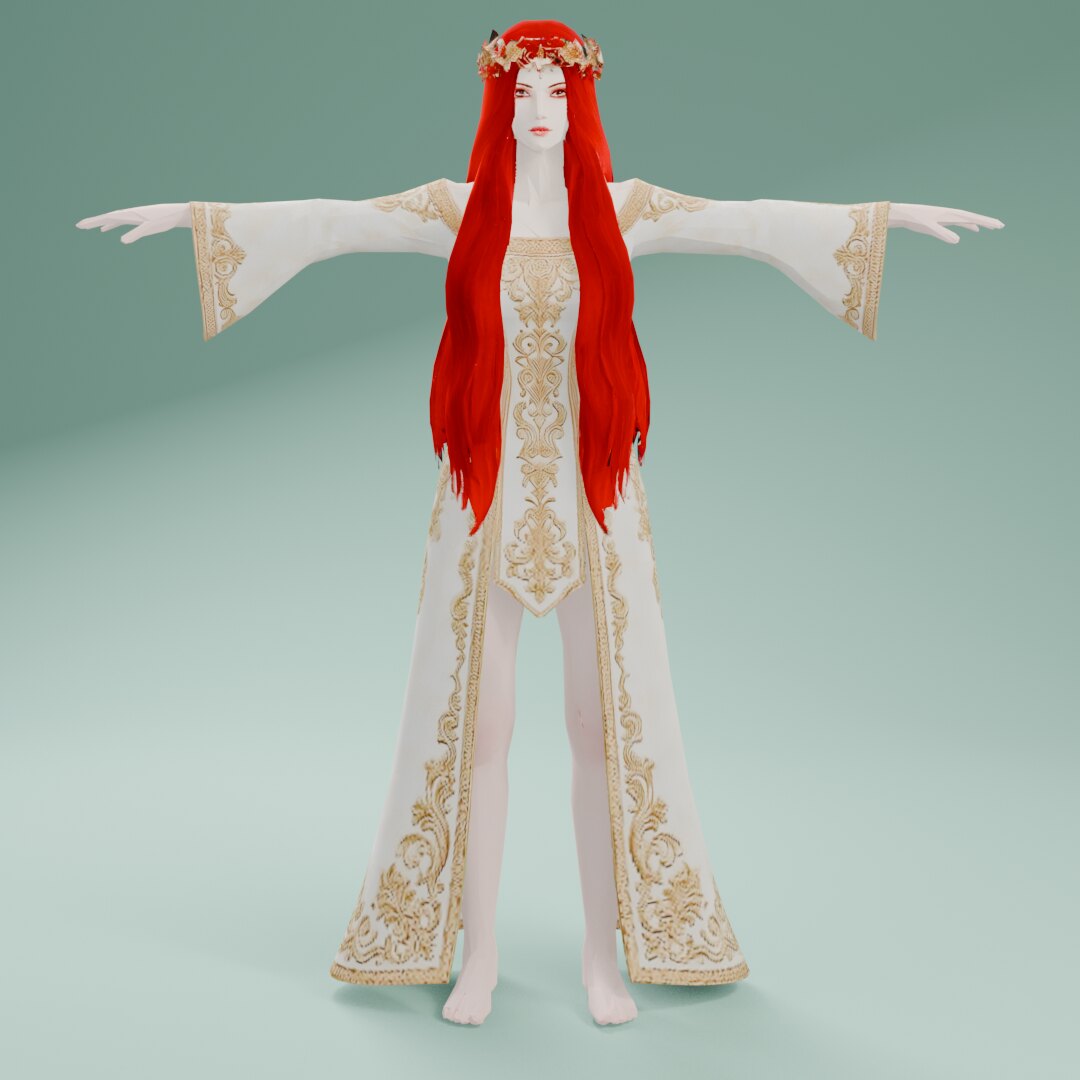 3D
3D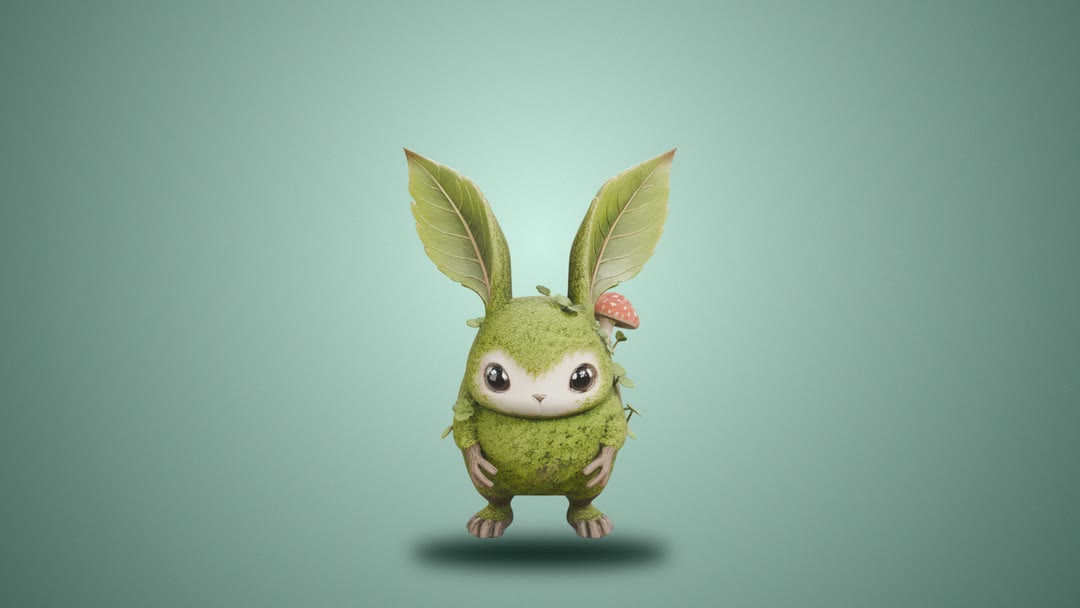 3D
3D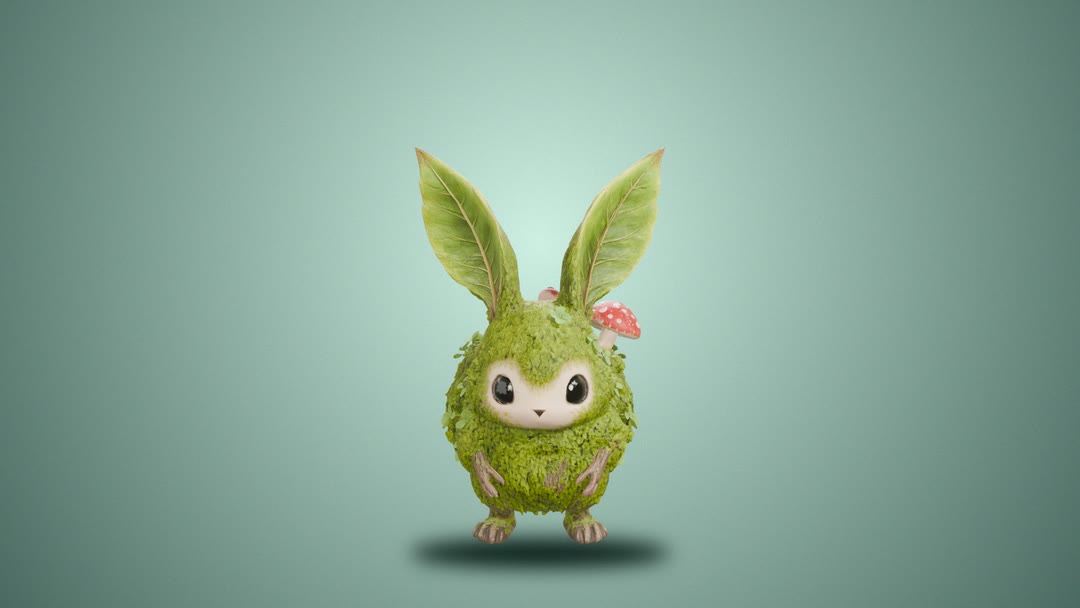 3D
3D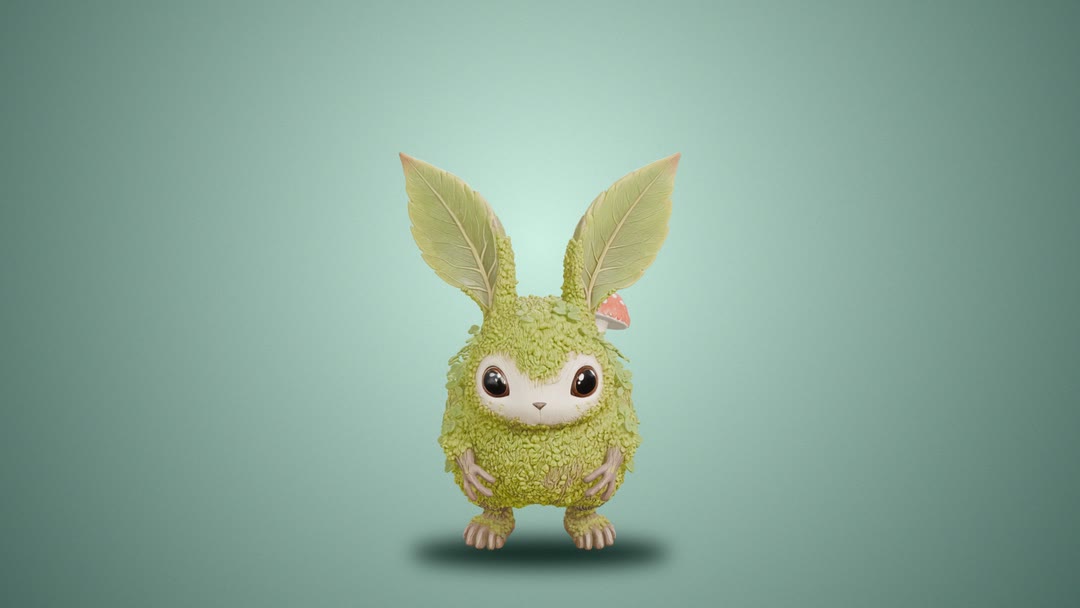 3D
3D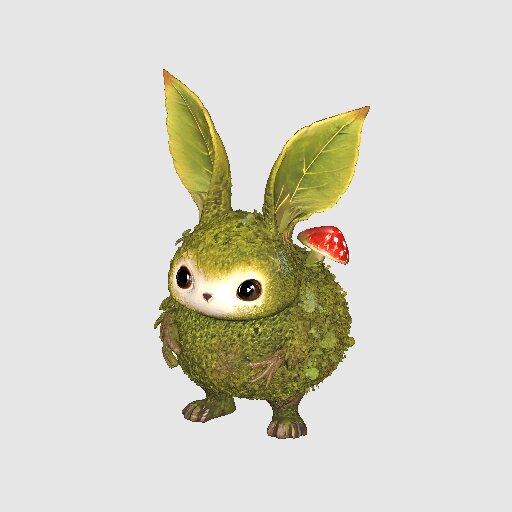 3D
3D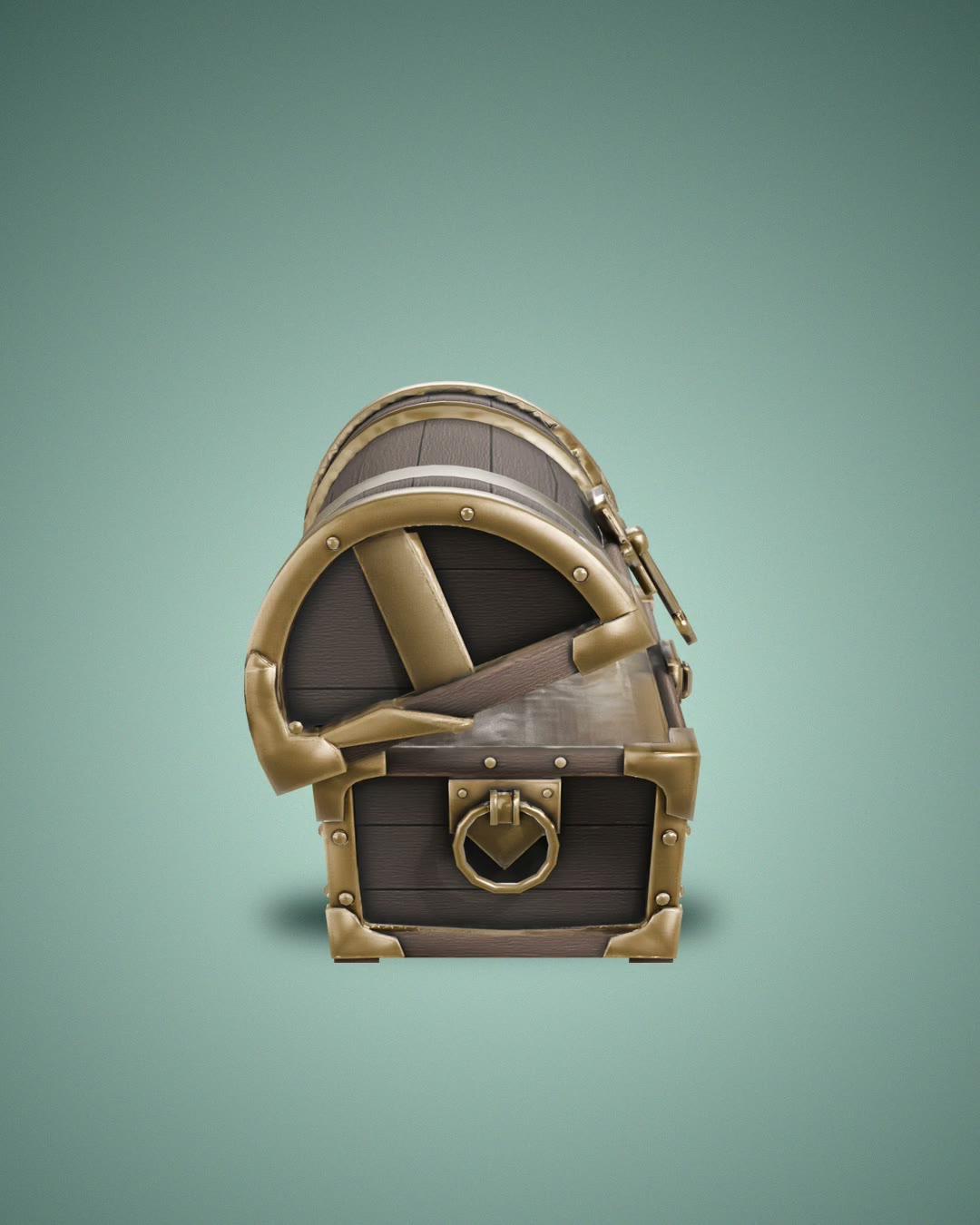 3D
3D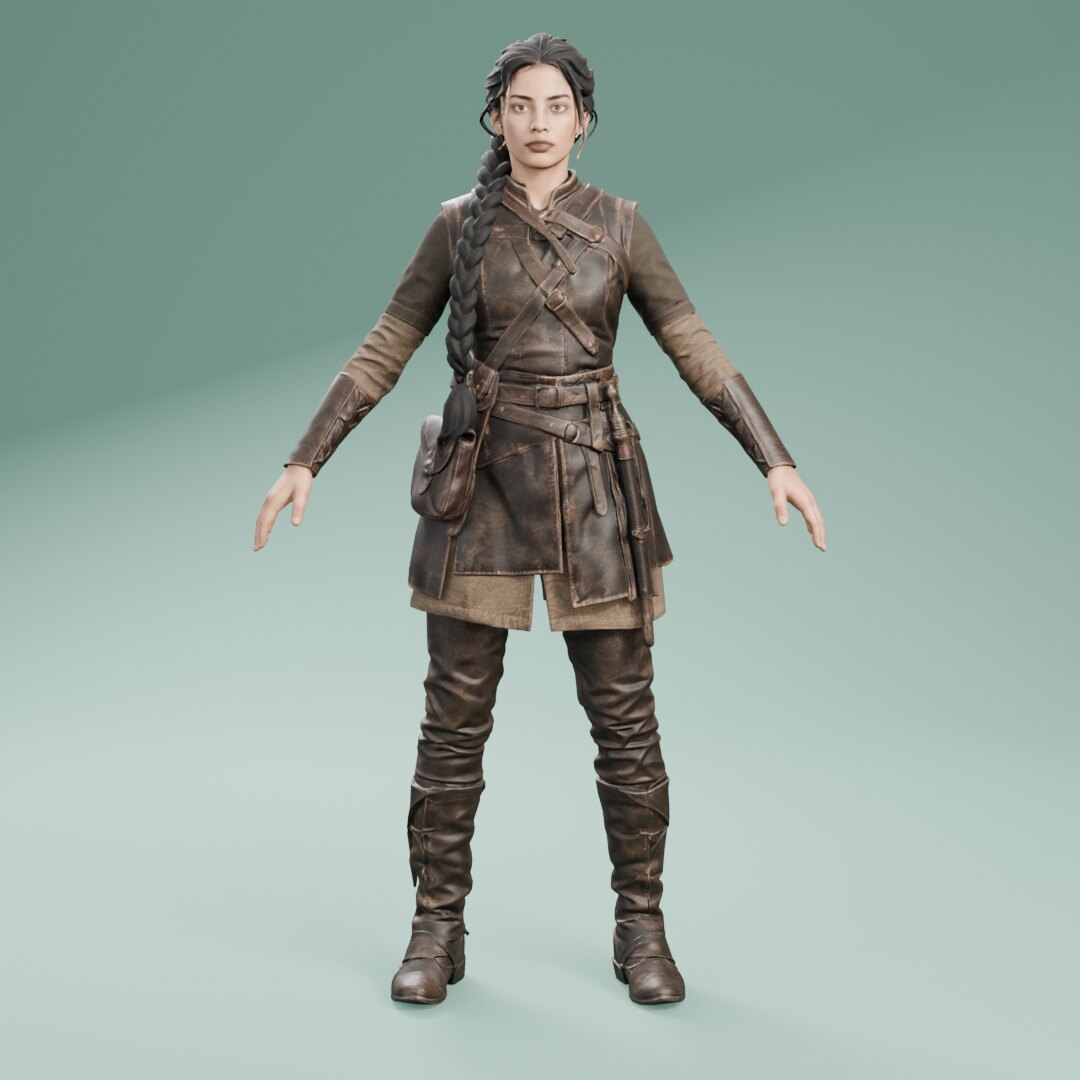 3D
3D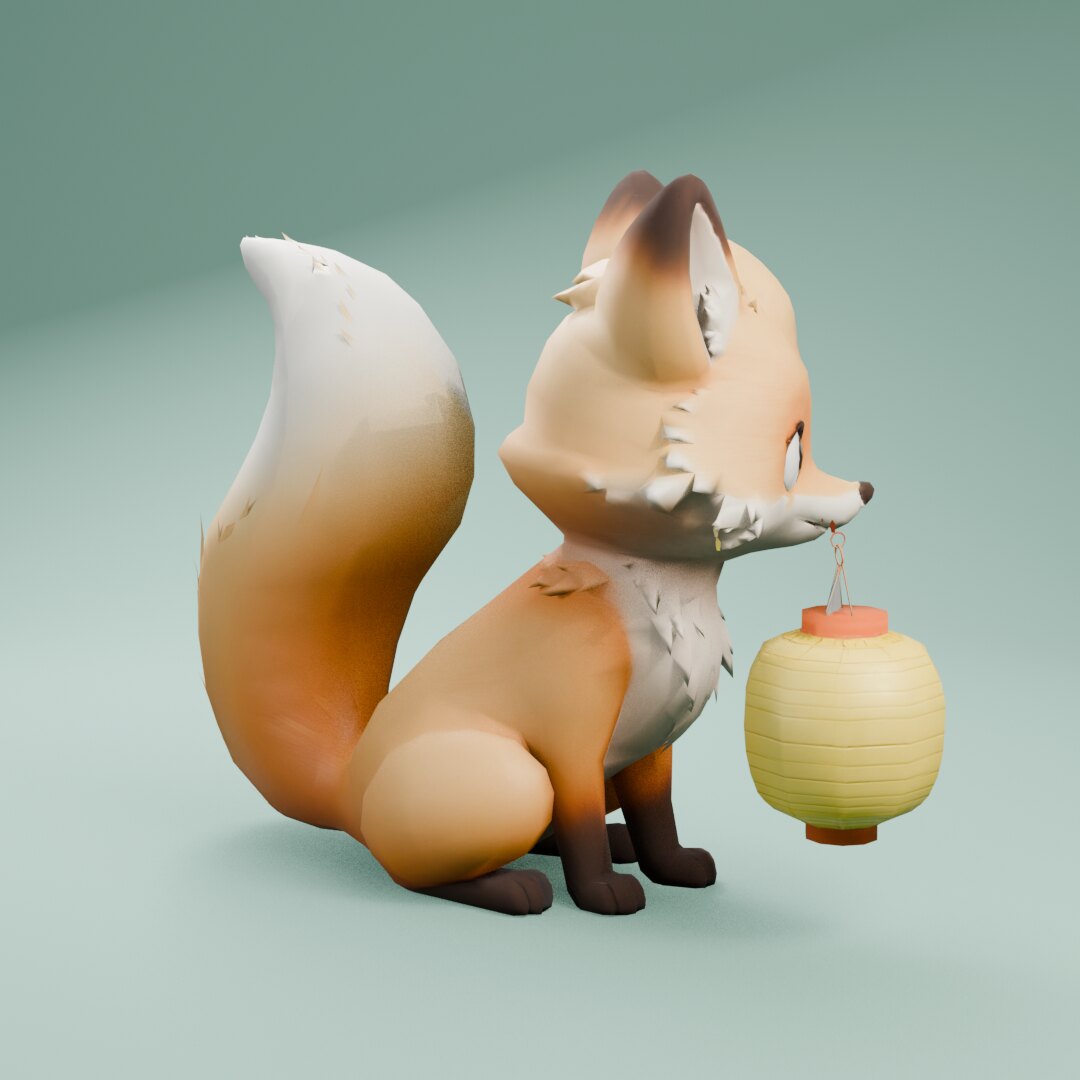 3D
3D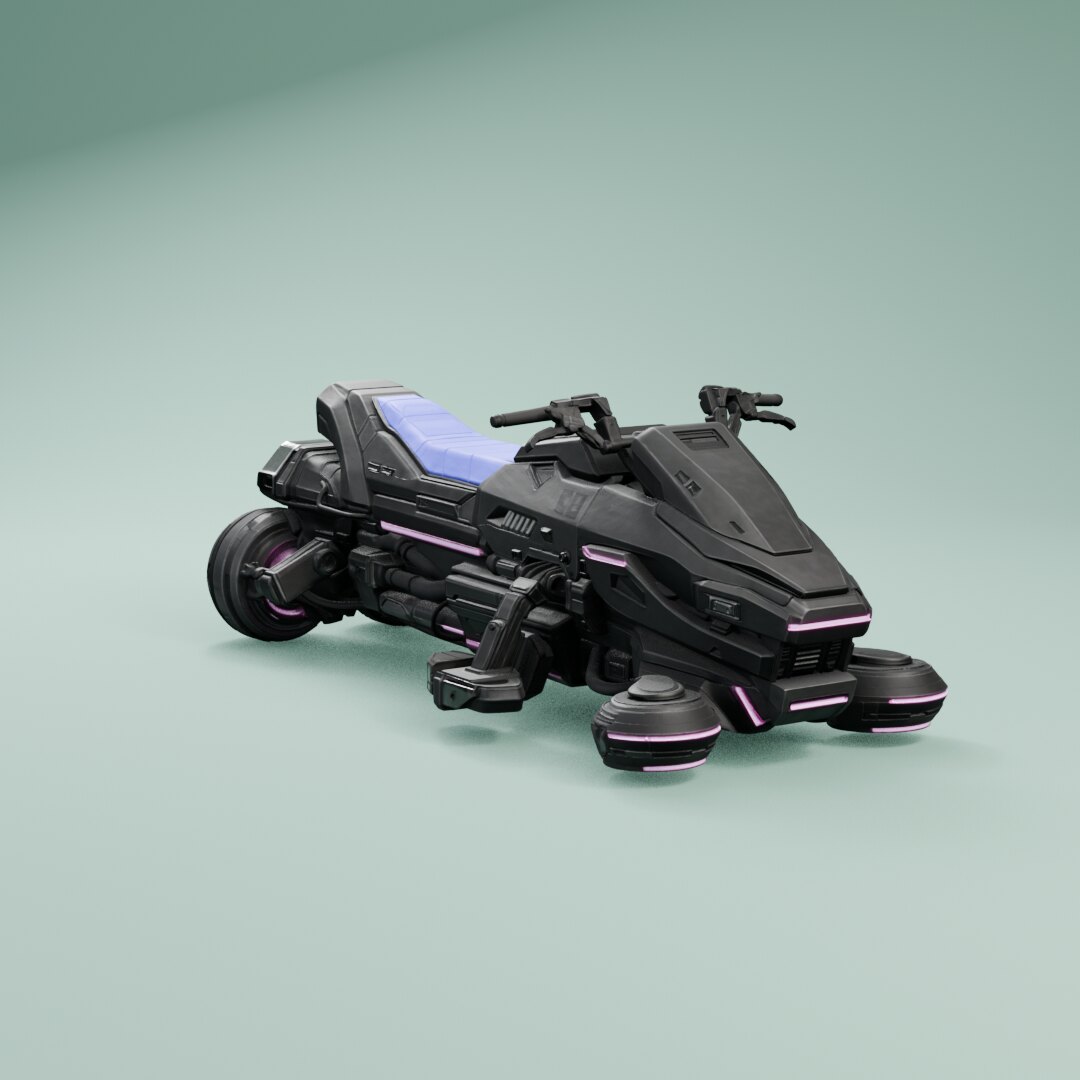 3D
3D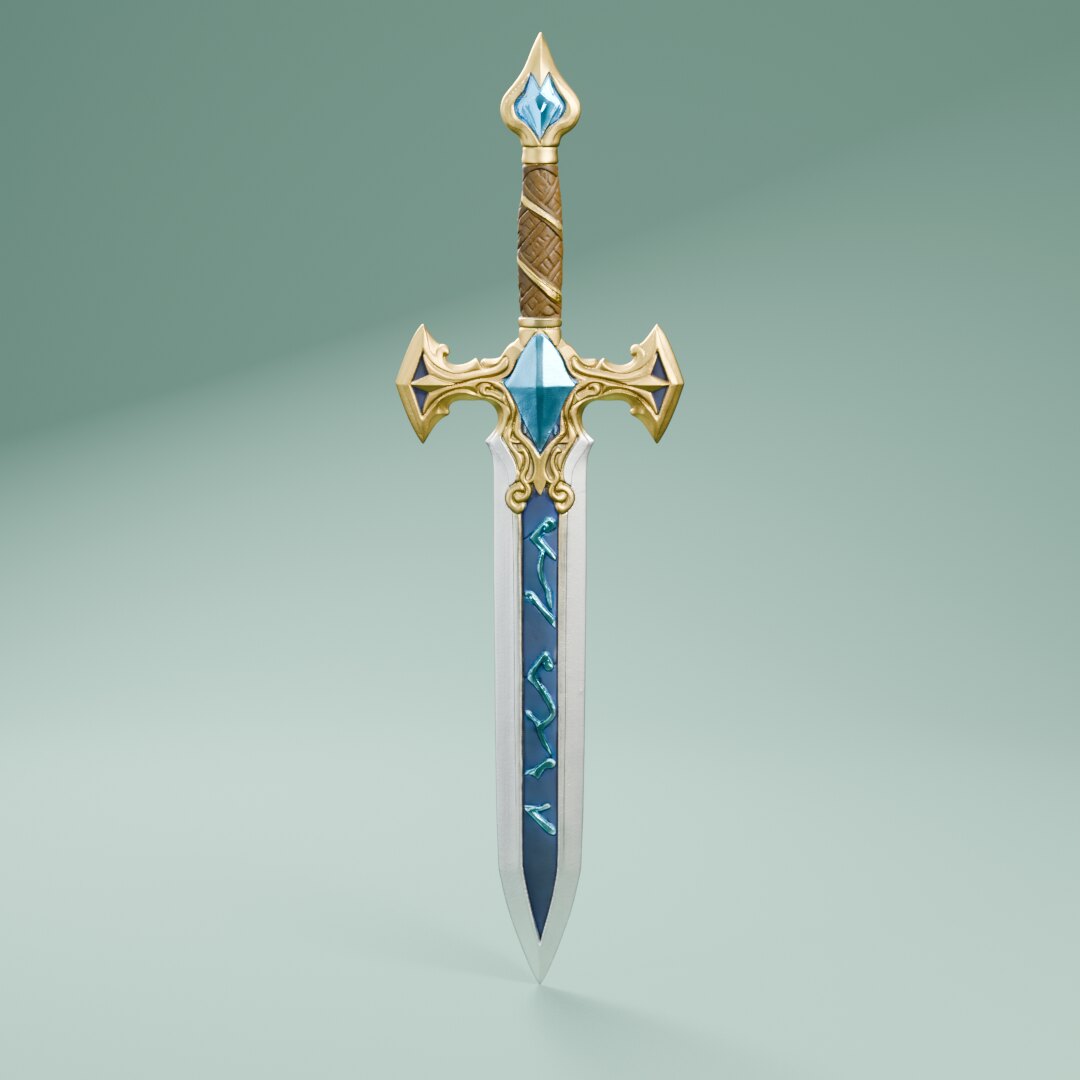 3D
3D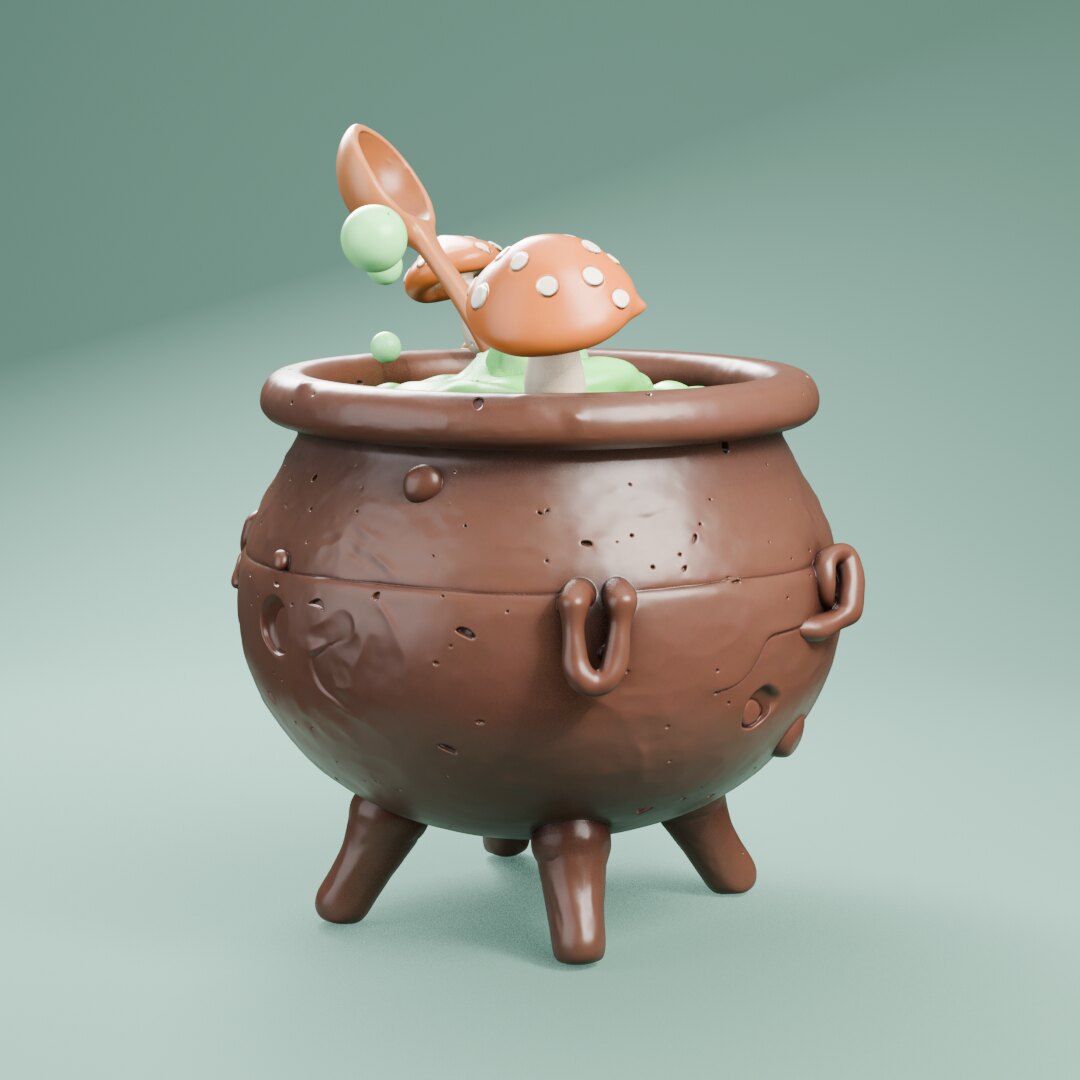 3D
3D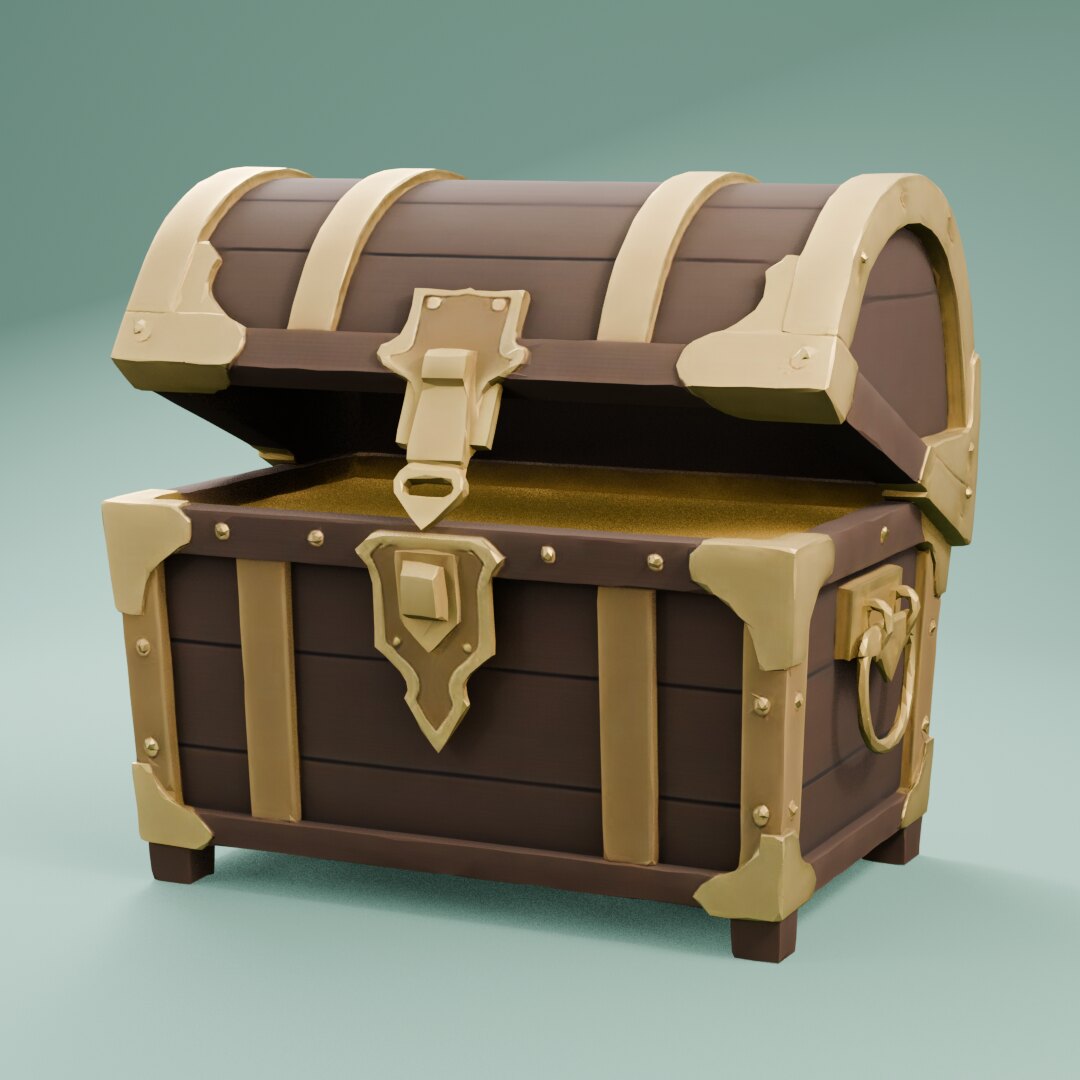 3D
3D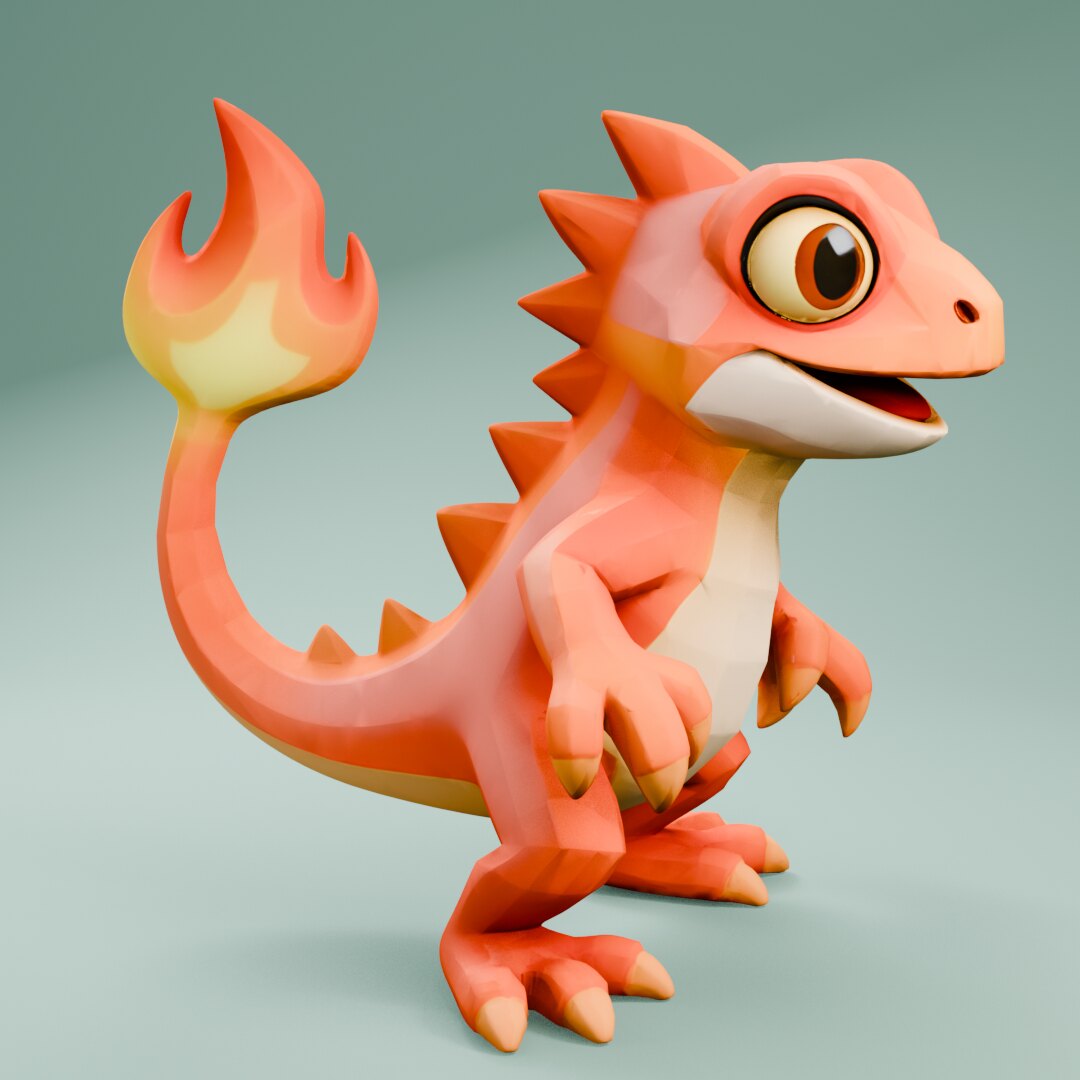 3D
3D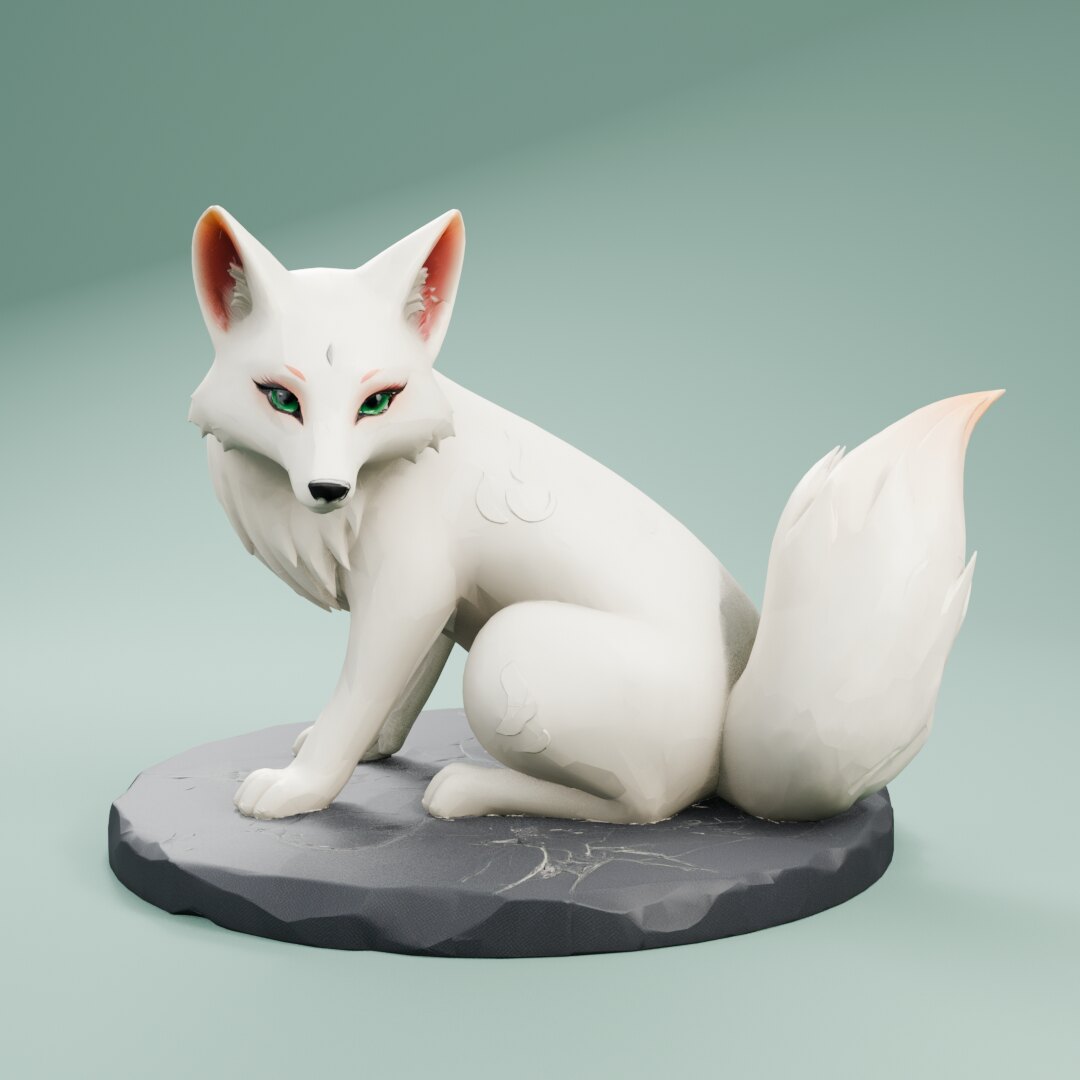 3D
3D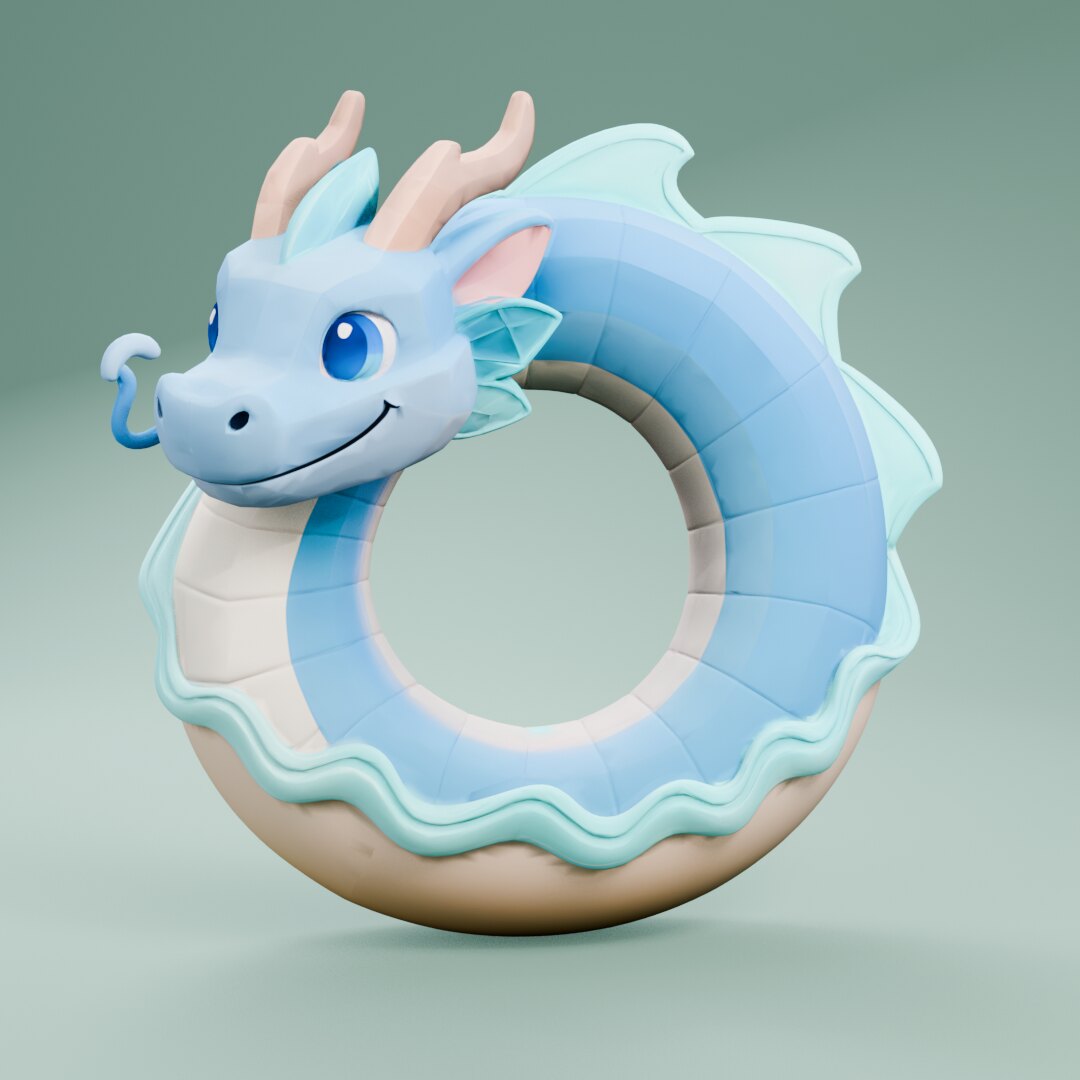 3D
3D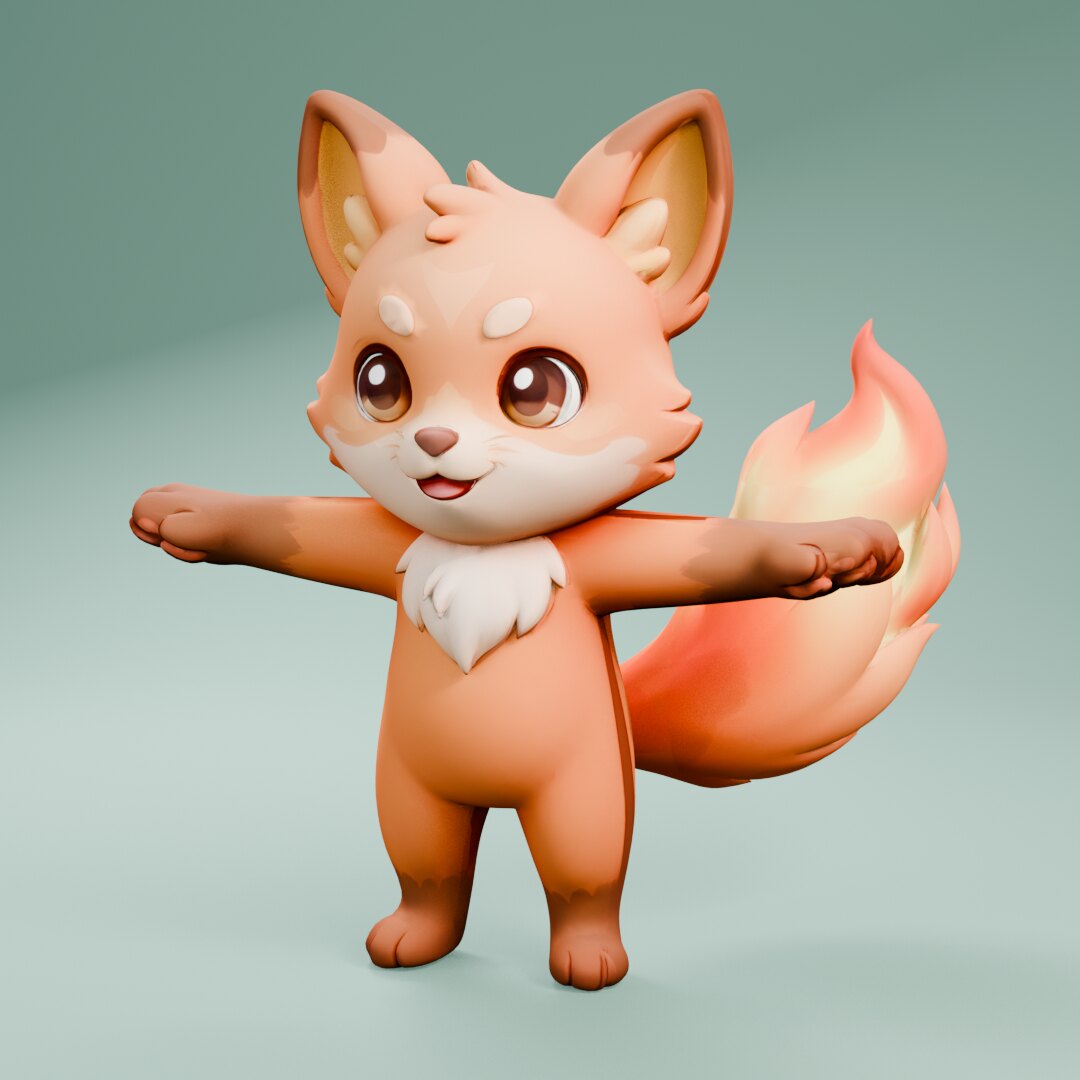 3D
3D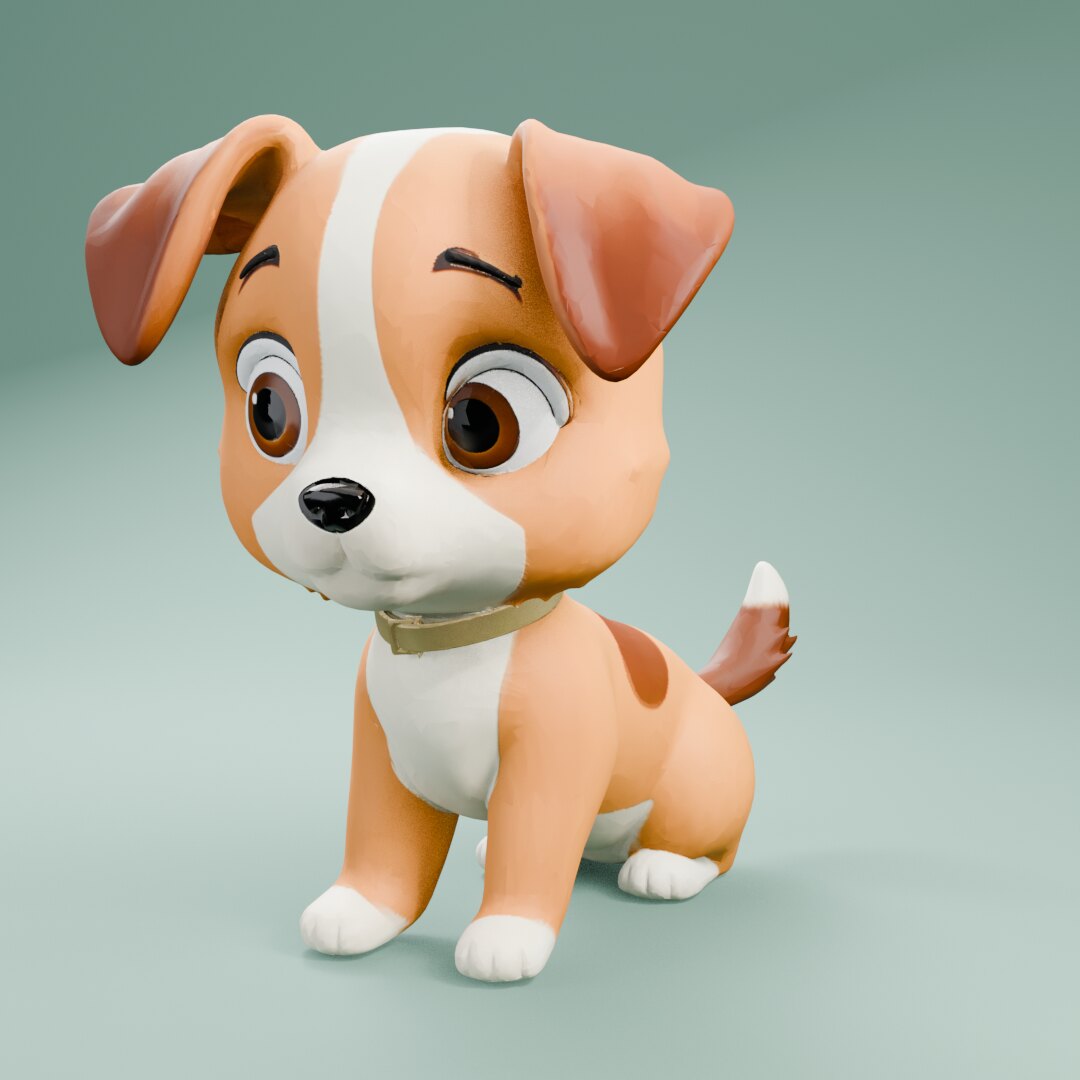 3D
3D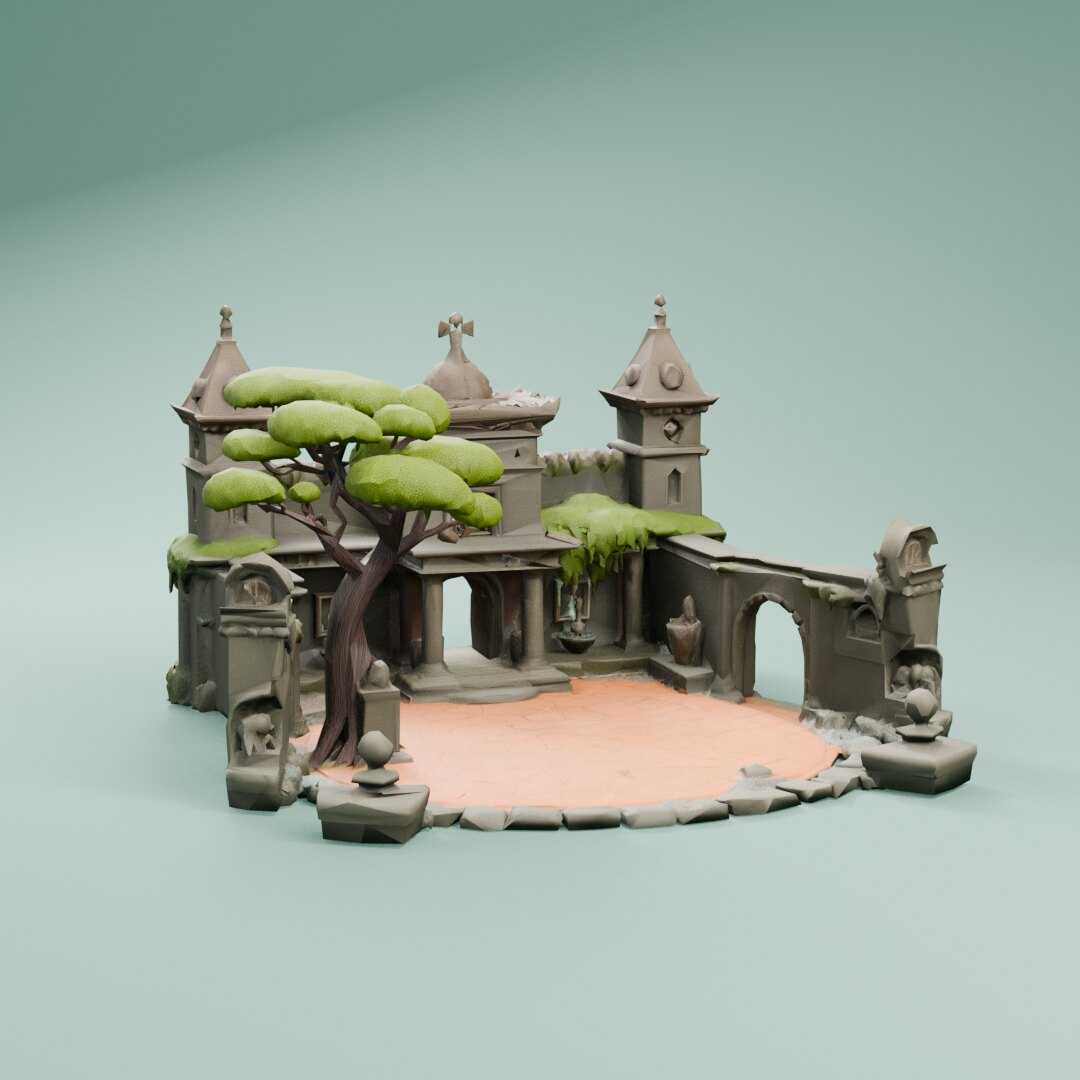 3D
3DTencent
Hunyuan3D v3 for game 3D models
Hunyuan3D v3 is Tencent's 3D model before v3.1. It turns a prompt or one image (with optional back, left and right views) into a textured GLB.
What game makers use it for
- Concept art of a prop or character turned into a textured model.
- Extra side views for a more faithful back and sides.
- Real-object reference photos turned into props.
In Summer
- Price
- From 53 credits per 3D model
- Inputs
- Text to 3D, Image to 3D, Multi-view to 3D